
n8n
Automation
n8n is an open-source workflow automation platform that lets users build complex automations through a visual, node-based interface
automate-workflowswrite-code
Free planView →

SlidesAI is an AI-powered presentation generator that converts text into professional slides directly within Google S...
Best for quickly turning raw text or an outline into a first-draft deck inside Google Slides. The caveat is that designs are fairly generic and templated, so expect meaningful manual polishing before anything client-ready.
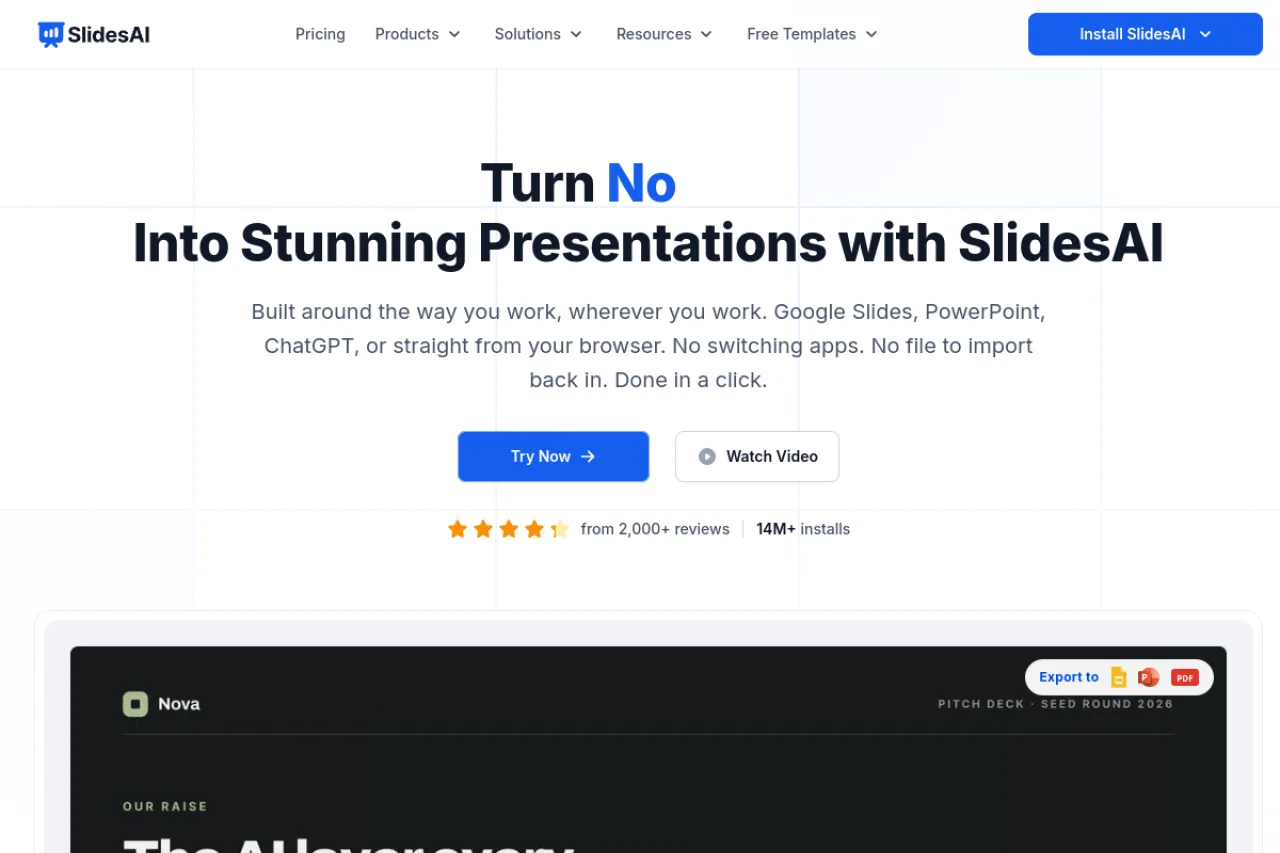
SlidesAI is a freemium AI presentation generator that converts text, topics, or uploaded documents into structured slides directly inside Google Slides and PowerPoint via a Workspace add-on and Microsoft AppSource app. It excels at quickly drafting and formatting decks in 22 languages without leaving your existing tools, making it strong for students, educators, and professionals who need a fast first draft. The trade-off is design polish — outputs are templated and typically require editing before they're presentation-ready.
SlidesAI is an AI presentation maker that transforms raw text, topics, or uploaded documents into fully structured slide decks inside the tools people already use — Google Slides and Microsoft PowerPoint. Rather than acting as a standalone web builder, it installs as a Google Workspace add-on and a Microsoft AppSource app, so the entire workflow happens without switching platforms or exporting between apps. The core value is speed and formatting relief. You paste text or upload a document, choose the number of slides and a style, and the tool automatically drafts titles, summarizes content into bullet points, and applies a layout and design. This makes it a practical fit for anyone who has the content but not the time or design skill to lay it out manually. The product supports 22 languages and is positioned for students, educators, and professionals alike, with tiered plans that scale up character limits, presentation counts, and document upload. Its install-in-place model is the main differentiator against standalone AI deck builders — you keep all of Google Slides' or PowerPoint's native editing power after generation. Where SlidesAI is honest about its ceiling is polish. The generated designs tend toward a generic, templated look, and outputs usually need editing before they reach a client-ready or investor-grade standard. It is best understood as a fast first-draft engine that gets you 70% of the way there, not a finished-design tool. Pricing is freemium, with a free Basic tier for light use and paid Pro and Premium plans billed annually. Because plans are metered by presentations, character input, and AI credits rather than by unlimited flat use, buyers should confirm current limits and pricing on the official site before committing.
SlidesAI is a freemium AI presentation generator that converts text, topics, or documents into structured slides directly inside Google Slides and PowerPoint. It ships as a Google Workspace add-on and Microsoft AppSource app, supports 22 languages, and targets students, educators, and professionals. Its strength is fast, in-app first drafts; its main limitation is generic design that usually needs editing.
SlidesAI (SlidesAI.io) provides AI-powered presentation creation tools built primarily for Google Slides and Microsoft PowerPoint. The product is distributed as a Google Workspace Marketplace add-on and a Microsoft AppSource app, and payments are handled through Paddle.com as the official Merchant of Record. According to available research, the company has not raised outside venture funding and operates in a crowded presentation-tools market with many competitors.
The company positions itself around removing the manual formatting burden of building decks, emphasizing that users can create presentations without design skills and without leaving their existing editors. Beyond specifics confirmed in research, details about founders and company history are not established here and should be verified directly.
SlidesAI's core capability is converting unstructured input — pasted text, a topic, or an uploaded document — into a structured slide deck with generated titles, summarized bullet points, layouts, and applied designs. The generation and subsequent editing happen inside Google Slides or PowerPoint, so users retain full native editing control after the AI produces the first draft.
The tool supports 22 languages for input and output, and document upload is available on paid tiers. Plans are metered by presentation count, character input per presentation, and AI credits, allowing usage to scale from occasional student use to higher-volume professional and educator needs. The design output leans templated, positioning the product as a first-draft accelerator rather than a finishing design tool.
SlidesAI serves three primary segments it markets to directly: students who need class and assignment decks, educators building lesson and course materials, and professionals producing internal or informational presentations. Its in-app integration model makes it especially attractive to existing Google Workspace and Microsoft 365 users who want AI drafting without adopting a new standalone platform.
Students, teachers, and individual professionals who paste text or upload documents to quickly generate a deck they will refine. They value speed, staying within familiar editors, and not needing design skills.
Often the same individual end user on self-serve plans, or educators and small teams purchasing Pro/Premium tiers for higher limits and document upload. Institutional plans exist for broader educator and organizational purchasing.
Colleagues, instructors, and peers who recommend faster ways to build decks, along with Google Workspace and Microsoft 365 admins who influence add-on adoption within an organization.
A Google Slides or PowerPoint user with content ready to present but limited time or design ability, who wants an in-app AI tool to draft and format slides quickly and is comfortable editing the output to final polish.
According to available research, SlidesAI has not raised any outside funding. No valuation or ARR figures are disclosed in the research context.
SlidesAI is freemium. The Basic plan is free and includes 12 presentations per year, 2,500 characters per presentation, and 120 AI credits per year. Paid tiers are Pro at $10/month ($120 billed yearly) with 120 presentations and document upload, and Premium at $20.83/month ($250 billed yearly) with unlimited presentations and higher limits. Verify current pricing on the official site, as plans and credits change.
You paste text, enter a topic, or upload a document, then choose settings like the number of slides and a design style. The AI summarizes your content into slide titles and bullet points, applies a layout, and generates the deck directly in your editor. You can then edit everything using the native Google Slides or PowerPoint tools.
SlidesAI runs as a Google Workspace add-on for Google Slides and as a Microsoft AppSource app for PowerPoint, so it works inside the tools you already use rather than as a separate web app. Installation requires minimal permissions to create and edit your slides. It does not require you to move away from your existing Google or Microsoft workflow.
Document upload is available on the paid Pro and Premium plans, letting you generate a deck from an existing file rather than pasting text. The tool also supports 22 languages for input and output, making it usable for multilingual and international content. The free Basic plan is limited to text input within its character cap.
SlidesAI states it is privacy-focused and requests only the minimal permissions needed to create your slides within Google Slides or PowerPoint. Payments are processed through Paddle.com, which acts as the official Merchant of Record and reseller. Review the tool's privacy policy and terms of use for specifics on data handling before uploading sensitive documents.
Usually not without some editing. SlidesAI is strong at structuring and formatting content quickly, but its designs tend to look templated and generic. Treat the output as a fast first draft, then refine the wording, visuals, and layout to reach a polished, presentation-ready standard.
Yes, SlidesAI offers a free Basic plan that includes 12 presentations per year, 2,500 character input per presentation, and 120 AI credits annually. Paid plans (Pro at $10/month and Premium at $20.83/month when billed yearly) offer more presentations, higher character limits, and additional features like document upload.
SlidesAI integrates directly with Google Slides (via Google Workspace Marketplace) and Microsoft PowerPoint (via Microsoft AppSource). It works as an add-on within these platforms, allowing users to generate presentations without leaving their familiar workspace environment.
Reviews suggest SlidesAI feels less polished than alternatives like Plus AI for Google Slides, MagicSlides App, and SlideAI. Users note that while SlidesAI offers native integration with Google Slides and PowerPoint, competitors may provide better design flexibility, more advanced features, and more actively developed experiences. For Microsoft 365-centric workflows, Microsoft Copilot is considered a more logical alternative.
Side-by-side pages for pricing, features, and best-fit use cases.
Gamma excels at AI-generated presentations, but these six alternatives offer better integration, audience engagement, or design control for different workflows.
Compare 8 AI presentation makers that generate slides from text, prompts, or documents. Find the right tool for your workflow and budget.
n8n is an open-source workflow automation platform that lets users build complex automations through a visual, node-based interface

Spellbook is an AI-powered contract drafting and review assistant designed specifically for lawyers and legal teams

Gemini is Google's multimodal AI chatbot that handles text, images, audio, and video understanding with real-time Google Search integration and deep Google Workspace compatibility

MeetGeek is an AI meeting assistant that automatically records, transcribes, and summarizes video meetings across platforms like Zoom and Microsoft Teams