MeetGeek logo

MeetGeek

MeetGeek is an AI meeting assistant that automatically records, transcribes, and summarizes video meetings across pla...

Updated Jun 2026
productivity#transcribe-meetings
Free plan API Teams Mobile app Browser extension

About MeetGeek

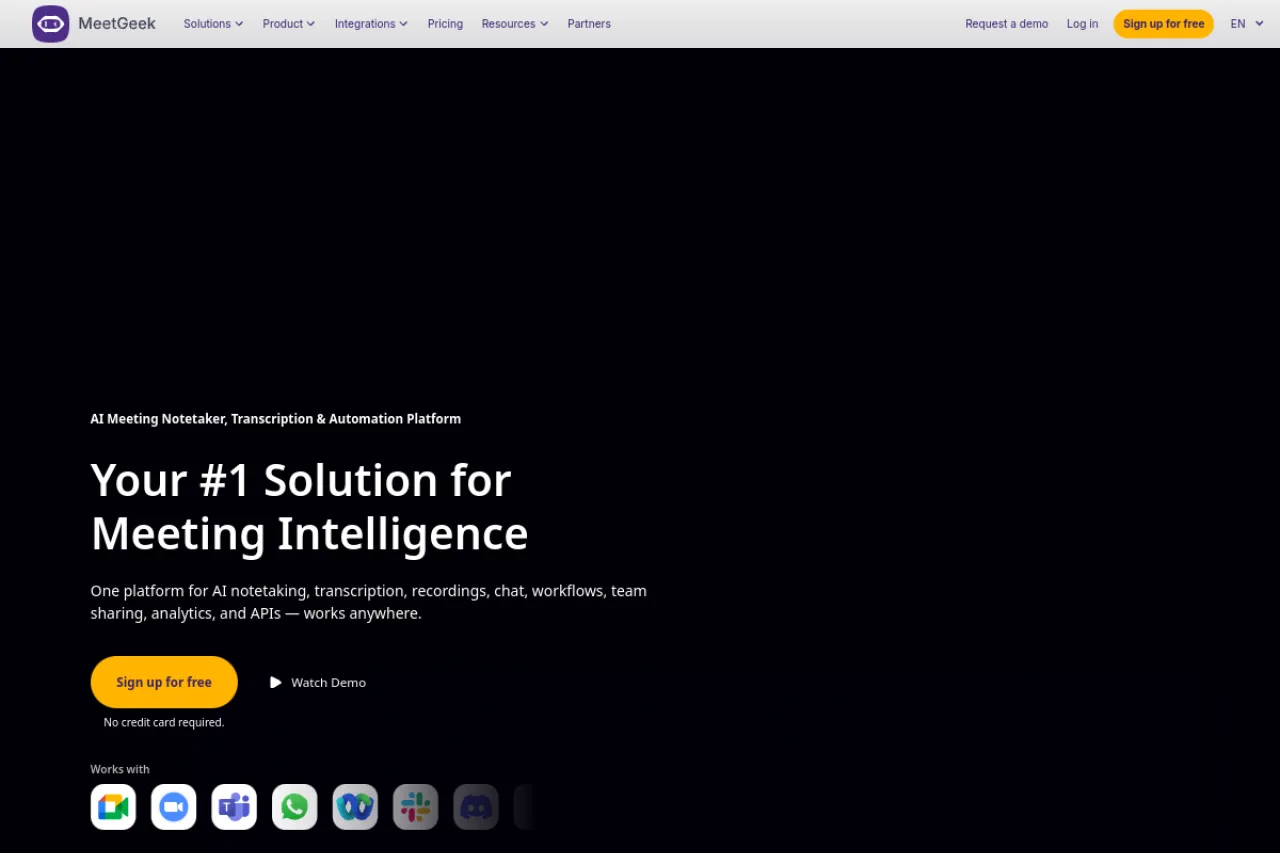
MeetGeek is a freemium AI meeting assistant that automatically records, transcribes, and summarizes video meetings across Zoom, Google Meet, and Microsoft Teams. It layers in meeting analytics, keyword extraction, per-meeting templates, and CRM sync to turn conversations into searchable, shareable knowledge for individuals and teams. It's well suited to remote teams, sales and customer success functions, and anyone who wants reliable notes without manual effort.

MeetGeek is an AI meeting assistant that automatically joins your calendar events on platforms like Zoom, Google Meet, and Microsoft Teams to record, transcribe, and summarize conversations without manual note-taking. Once a meeting ends, it delivers a searchable transcript alongside an AI-generated summary that captures decisions, key points, and action items, so participants can stay present in the discussion rather than scrambling to write things down. Beyond basic capture, MeetGeek positions itself as a meeting intelligence layer for teams. It offers per-meeting-type templates, keyword and topic extraction, and analytics that surface patterns across conversations, such as talk time, sentiment, and recurring themes. This makes it useful not only for individuals who want cleaner notes but also for managers and revenue teams that want visibility into how meetings are actually going. The tool integrates with CRM systems and collaboration platforms, allowing summaries and follow-ups to flow automatically into the tools where work happens. Team-level features let organizations centralize meeting knowledge, share highlights across departments, and build a searchable repository of past conversations. MeetGeek supports multiple languages for transcription and offers a free plan alongside paid tiers, making it approachable for solo users while scaling to larger teams. As with any AI summarization tool, generated action items occasionally pick up small talk or off-topic remarks and benefit from a quick manual review. Buyers should confirm current pricing, storage limits, and feature availability on the official MeetGeek site, as plan details and included minutes can change.

TL;DR

MeetGeek is a Romanian-founded AI meeting assistant that records, transcribes, and summarizes video meetings across Zoom, Google Meet, and Microsoft Teams, layered with analytics, templates, and CRM sync. It serves individuals and teams on a freemium model with paid tiers starting around $15 per user per month. The company has raised roughly $2.81M total, including a €1.6M round in 2025, and reported crossing $2M in ARR.

Company overview

MeetGeek is a Romanian startup building an AI-powered meeting assistant and meeting intelligence platform. Its mission centers on removing the manual burden of note-taking and turning meetings into structured, searchable, and actionable knowledge for teams and organizations.

The company has signaled an evolution from a straightforward meeting assistant toward a broader agentic AI workplace tool, using recent funding to accelerate that shift. It backs a freemium product used by remote teams, sales and customer success functions, and other meeting-heavy roles.

Product features

At its core, MeetGeek automatically joins scheduled calls to record, transcribe, and summarize conversations, delivering both full transcripts and AI-generated recaps with action items. Per-meeting-type templates tailor summaries to formats like sales calls, interviews, and standups, while keyword and topic extraction make conversations searchable.

The platform adds a meeting intelligence layer with analytics on talk time, sentiment, and recurring themes, giving managers visibility into meeting quality. It supports multiple transcription languages, offers CRM synchronization and collaboration integrations, and provides team-level workspaces for centralizing and sharing meeting knowledge across an organization.

Target market

MeetGeek targets remote and distributed teams, sales and account management, customer success, HR, product and engineering, finance, and executive functions, as well as freelancers, consultants, and startups. It spans individual users on the free plan up to larger organizations that need team visibility and analytics.

Buyer personas

End users

Individual professionals such as sales reps, customer success managers, recruiters, and consultants who attend frequent meetings and want accurate notes and follow-ups without manual effort.

Buyers

Team leads, revenue operations managers, and department heads who purchase seats to standardize meeting documentation and gain analytics across their teams.

Key influencers

IT and security reviewers evaluating integrations and data handling, plus power users who champion the tool internally after testing the free plan.

Ideal customer profile

A small to mid-sized remote or hybrid team that runs many video meetings across Zoom, Meet, or Teams, values CRM-synced notes and meeting analytics, and does not require on-premise deployment.

Funding & performance

MeetGeek has raised approximately $2.81M in total, with investors including Early Game Ventures, Inspire Capital, Endeavor Romania, Unicorn Factory Lisboa, and Founder Institute. In 2025 it secured a €1.6M round led by Early Game Ventures with participation from Inspire Capital, and it reported crossing more than $2 million in annual recurring revenue over the prior year.

Pros & cons

Pros

  • Highly accurate transcriptions and meeting summaries that save time, according to multiple user reviews
  • Automatically joins scheduled meetings with minimal intervention required
  • Provides multiple insights including keywords, action items, and overall meeting impressions
  • Offers a functional free tier for testing before committing to paid plans
  • Significantly more affordable than enterprise alternatives like Gong and Chorus while providing similar meeting intelligence features

Cons

  • Speaker identification context is not always 100% accurate, though generally reliable
  • Small talk and casual conversation can be captured in action items and next steps, requiring manual filtering
  • Free plan is limited to 3 hours per month of meeting recording

Pricing plans

Free
$0 / month
  • 3 hours of meeting recording per month
  • Automated transcription and summaries
  • Basic meeting intelligence features
Pro
$15.99 / month
  • Increased recording hours
  • CRM synchronization
  • Per-call-type templates
  • Team-level visibility
Business
$28 / month
  • Advanced analytics dashboards
  • Enhanced team collaboration features
  • Priority support
Enterprise
Custom / month
  • Custom implementation
  • Advanced security features
  • Dedicated support

Key features

API
Mobile app
Browser extension
Team collaboration
Multi-language
Integrations
Zoom, Google Meet, Microsoft Teams, Slack, HubSpot, Salesforce, Google Calendar, Notion, Zapier
Input types
audio, video, meeting streams
Output types
text, transcripts, summaries, analytics

Compare key features

View all alternatives →
Feature
MeetGeek
Fireflies.ai
tl;dv
Pricing
Freemium
Freemium
Freemium
Free plan
Yes
Yes
Yes
Free trial
No
No
No
API
Yes
Yes
Yes
Team support
Yes
Yes
Yes

Frequently asked questions

What will I actually pay for MeetGeek?+

MeetGeek offers a free plan, with paid tiers starting around $15 per user per month and higher plans for advanced analytics and larger teams. Annual billing saves up to 40% compared to monthly rates. Because included recording minutes and storage differ by tier, confirm the current limits on the official pricing page before subscribing.

How does MeetGeek work during a meeting?+

MeetGeek connects to your calendar and automatically dispatches an AI notetaker bot to join your scheduled video calls. It records and transcribes the conversation in real time, then generates a summary with key points and action items after the meeting ends. You can review the transcript, summary, and highlights from your MeetGeek dashboard.

Which meeting platforms and integrations does MeetGeek support?+

MeetGeek works across major video conferencing platforms including Zoom, Google Meet, and Microsoft Teams. It also syncs with CRM systems and connects to collaboration tools so summaries and follow-ups flow into your existing stack. Check the official integrations directory for the full, current list.

How do I get started with MeetGeek?+

You sign up, connect your calendar and preferred conferencing accounts, and let MeetGeek automatically join and capture your meetings. Setup is largely no-code, and the free plan lets you test the workflow before upgrading. You can configure meeting-type templates and integrations to tailor the output.

Is MeetGeek secure and how is my meeting data handled?+

MeetGeek stores recordings, transcripts, and summaries in the cloud and provides team-level access controls for shared workspaces. It does not currently offer a self-hosted or on-premise deployment, so organizations with strict data-residency needs should review its security documentation and privacy policy. Verify current compliance certifications directly with MeetGeek.

What has changed recently with MeetGeek?+

MeetGeek raised roughly €1.6M in a 2025 round led by Early Game Ventures with participation from Inspire Capital, and the company has signaled a shift from a meeting assistant toward a broader agentic AI workplace product. It reported crossing more than $2 million in annual recurring revenue over that period. Expect ongoing expansion of its automation and analytics capabilities.

Is MeetGeek free?+

MeetGeek offers a free tier limited to 3 hours of meeting recording per month. This allows users to test the core features before upgrading to a paid plan.

What does MeetGeek integrate with?+

MeetGeek integrates with video conferencing platforms including Zoom and Microsoft Teams, automatically joining scheduled meetings. It also offers CRM synchronization capabilities, though specific CRM integrations were not detailed in the research.

How does MeetGeek compare to alternatives?+

MeetGeek is positioned as a more affordable alternative to enterprise tools like Gong and Chorus, offering similar meeting intelligence features at a fraction of the cost. Common alternatives include Fireflies.ai, Otter.ai, tl;dv, Fathom, and Grain. Reviews suggest MeetGeek offers one of the most complete feature packages even on its free plan, though tools like Fellow may be better suited for enterprise organizations requiring advanced security and granular recording policies.

Reviews (0)

Write a review

Pick a rating
Loading reviews…
Compare

Compare MeetGeek with other AI tools

Side-by-side pages for pricing, features, and best-fit use cases.

All comparisons →
Suggested comparison

MeetGeek vs Fireflies.ai

Generate in admin →
Suggested comparison

MeetGeek vs tl;dv

Generate in admin →
Suggested comparison

MeetGeek vs Read AI

Generate in admin →
Suggested comparison

MeetGeek vs Fellow

Generate in admin →
Suggested comparison

MeetGeek vs Avoma

Generate in admin →
Suggested comparison

MeetGeek vs Grain

Generate in admin →

From the blog

All articles →

Similar tools you may like