
Google Translate
Translation
Google Translate is a machine translation service that supports text, image, document, and website translation across many languages
translate-languages
Free planView →

Wordly is an AI-powered real-time translation and captioning platform designed for meetings, conferences, and events
Delivers real-time AI translation and captioning for live events and meetings across many languages without on-site interpreters. Great for multilingual audiences on a budget, though accuracy dips with heavy jargon, accents, or crosstalk, so it is not a fit for high-stakes legal or medical interpreting.
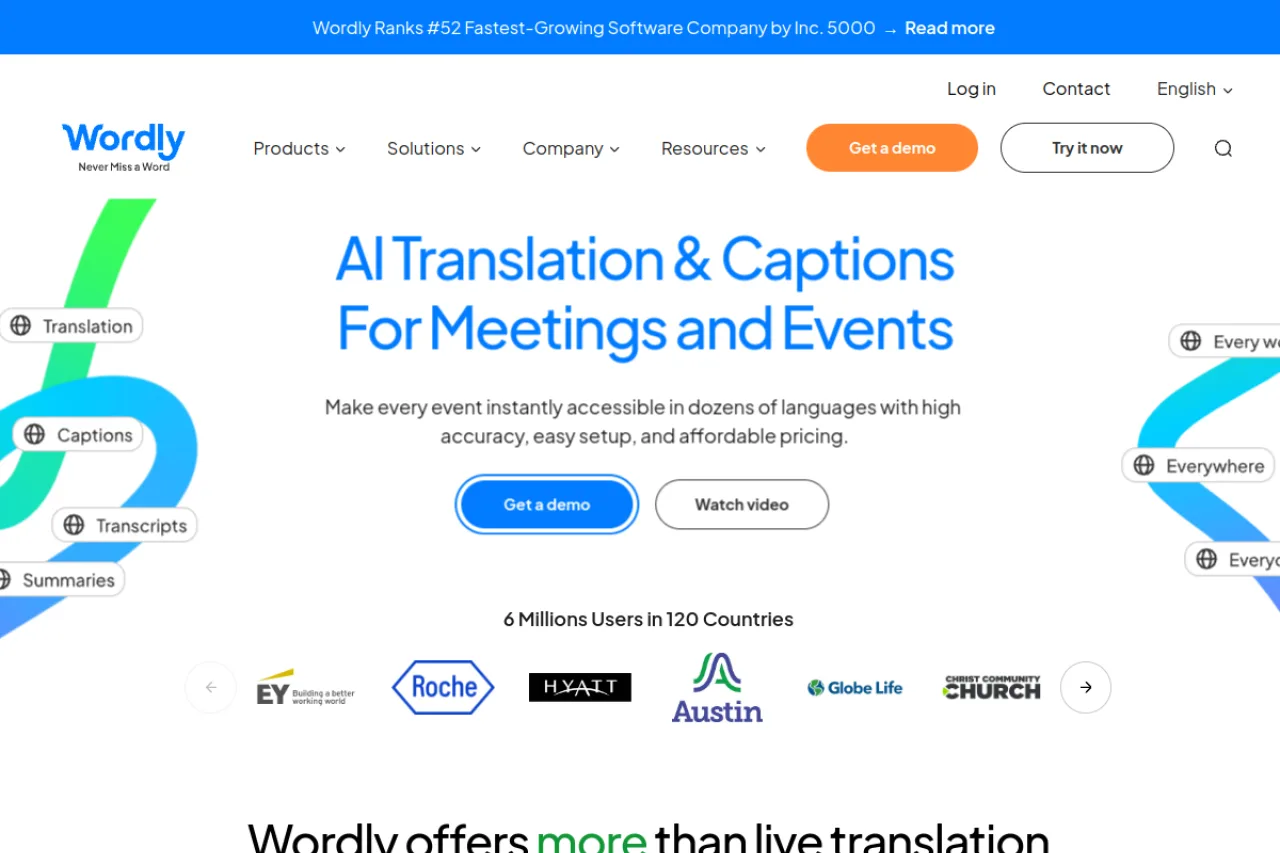
Wordly is an AI real-time translation and captioning platform for meetings, conferences, and events. It provides live translation, captions, subtitles, transcripts, and AI summaries across in-person, virtual, and hybrid settings, with integrations for Zoom and Microsoft Teams. Pricing is usage-based with all languages included at a fixed rate, making multilingual accessibility affordable relative to human interpreters. It suits associations, corporate teams, conferences, government, education, and worship organizations.
Wordly is an AI-powered translation and captioning platform built specifically for meetings, conferences, and live events. It delivers real-time translation, live captions, transcripts, and AI-generated summaries so that attendees can follow along in their preferred language across in-person, virtual, and hybrid gatherings. The core promise is simple: nobody in the room or on the call misses a word, regardless of the language they speak. The platform is designed to remove the traditional cost and logistical burden of human interpreters. Attendees join a session, select their language, and receive live translated audio, captions, or subtitles on their own device without special hardware. Organizers can enable dozens of languages simultaneously for a single session, which makes multilingual accessibility practical even for smaller meetings that could never justify booking professional interpreters. Wordly integrates with mainstream video conferencing tools including Zoom and Microsoft Teams, and it supports live event workflows through its Live Translation and AI Captioning products. Beyond real-time translation, the platform offers video captions and subtitles, voice transcripts, AI transcription, and AI-powered meeting summaries delivered through its Workspaces feature, giving teams a searchable record of what was said after the event ends. The product targets associations, corporate teams, conferences, government bodies, houses of worship, and education organizations that need reliable multilingual communication. Pricing is usage-based: buyers pay for the minutes they use with access to all supported languages included at one fixed rate, and Wordly states it bills only for actual session time rather than rounding up. Because Wordly is sold primarily through sales associates and priced by usage, prospective buyers should request a demo and confirm current rates, minimums, and package terms directly with the company before committing.
Wordly is an AI-powered real-time translation and captioning platform built for meetings, conferences, and events. It provides live translation, captions, subtitles, transcripts, and AI summaries across in-person, virtual, and hybrid settings, with Zoom and Teams integrations. Pricing is usage-based with all languages included at a fixed rate, positioning it as an affordable alternative to human interpreters.
Wordly develops an AI translation and captioning platform focused on making meetings and events accessible in multiple languages. According to available research, the company was founded by Lakshman Rathnam and has taken investment from backers including Mentors Fund. Its mission centers on ensuring that everyone at an event can follow along in their own language, captured by its tagline 'With Wordly, Nobody Misses a Word.'
The company positions AI interpretation as easier, more affordable, and increasingly higher quality than traditional human interpreters, and publishes research on the state of AI translation to support that view. Wordly sells primarily through sales associates who help buyers choose plans and access discounts.
Wordly's core capability is real-time translation and captioning delivered on each attendee's own device, with support for dozens of languages that can be enabled simultaneously within a single session. It works across in-person, virtual, and hybrid events and integrates with video conferencing tools including Zoom and Microsoft Teams.
Beyond live translation, the platform provides AI captioning, video captions and subtitles, AI transcription, and voice transcripts. Its Workspaces feature adds AI-generated meeting summaries and a searchable record of sessions, extending the product from live interpretation into post-event documentation. Together these features cover the full lifecycle of a multilingual meeting or event.
Wordly serves associations and nonprofits, conferences, corporate meetings and training, government bodies, education institutions, and houses of worship — essentially any organization that needs multilingual communication for live or recorded gatherings. Its use cases span employee onboarding, industry conferences, city council meetings, webinars, and religious services, reflecting a broad horizontal market unified by the need for accessible, affordable translation.
Event attendees, employees, congregants, students, and meeting participants who select their preferred language to follow presentations and discussions in real time.
Event organizers, communications and HR leaders, association executives, and government administrators responsible for language access and accessibility budgets.
AV and IT teams, accessibility and DEI stakeholders, and conference production staff who evaluate ease of setup and integration with existing tools.
An organization that regularly hosts multilingual meetings, events, or services and needs affordable, scalable translation and captioning without the cost and logistics of hiring human interpreters for every session.
Research indicates Wordly has raised outside investment from backers including Mentors Fund, with company profiles maintained by PitchBook, Crunchbase, and CB Insights. Specific funding amounts, valuation, and revenue figures were not confirmed in the available research.
Wordly uses usage-based pricing where you get access to all supported languages for one fixed rate and pay only for the time you use. The company states it bills by actual session minutes and does not round up. Plans are arranged through a sales associate, so you should request a demo or quote to confirm current rates, minimums, and package terms.
Speakers talk normally while Wordly translates and captions their speech in real time. Attendees join the session and select their preferred language to receive live translated audio, captions, or subtitles on their own device. It works for in-person, virtual, and hybrid events without requiring interpreter booths or dedicated hardware.
Wordly integrates with major video conferencing platforms including Zoom and Microsoft Teams, and it supports live event and webinar workflows. It also offers products for video captioning, subtitles, and transcription that can be applied to recorded content. Check Wordly's integration options page for the current list of supported platforms.
Wordly supports translation and captioning across dozens of languages, and organizers can enable multiple languages within a single session. Because all languages are included in the fixed usage rate, you are not charged extra to add more languages for an event. Confirm the current supported language list on Wordly's site.
Yes. Beyond live translation and captions, Wordly offers AI transcription, voice transcripts, and AI-generated meeting summaries delivered through its Workspaces feature. This gives teams a searchable record of what was discussed once the session ends.
Wordly is AI-driven translation optimized for accessibility and affordability across meetings and events. For settings where precise, certified human interpretation is legally required or where errors carry serious consequences, organizations should evaluate whether AI translation meets their standards or supplement it with professional interpreters.
Based on available research, Wordly does not offer a free plan or free trial. The platform appears to operate on a contact-based pricing model where potential customers must reach out for pricing details.
Wordly integrates with Zoom and Microsoft Teams for translation and captioning. The platform also offers a standalone Wordly Platform option for live translation at events and meetings.
Wordly differentiates itself by combining real-time translation, captioning, transcription, and AI summaries in a single platform with direct integrations for Zoom and Teams. However, the lack of transparent pricing and absence of a free trial may make it harder to evaluate compared to alternatives with more accessible pricing models.
Side-by-side pages for pricing, features, and best-fit use cases.
TextCortex offers enterprise AI agent infrastructure with multilingual writing capabilities, while Wordly specializes in real-time translation and captioning for live events.
Smartcat offers AI translation and localization management for global content, while Wordly specializes in real-time translation and captioning for live events.
DeepL excels at neural translation quality, but alternatives offer real-time event translation, video dubbing, and enterprise localization workflows.
Google Translate handles everyday translation, but specialized tools offer better accuracy for business content, real-time event interpretation, and localization workflows.
Microsoft Translator handles everyday translation well, but specialized needs like live event captioning, video dubbing, or enterprise localization workflows often require dedicated platforms.
Google Translate is a machine translation service that supports text, image, document, and website translation across many languages
Document translation platform blending AI drafts with human review

Read AI is an AI-powered meeting assistant that provides automated transcription, summaries, and real-time notes for Zoom, Google Meet, and Microsoft Teams

Gemini is Google's multimodal AI chatbot that handles text, images, audio, and video understanding with real-time Google Search integration and deep Google Workspace compatibility