
n8n
Automation
n8n is an open-source workflow automation platform that lets users build complex automations through a visual, node-based interface
automate-workflowswrite-code
Free planView →

Plus AI is an AI-powered presentation maker that works as an add-on for Google Slides and PowerPoint
Best for drafting and editing slides directly inside Google Slides or PowerPoint without leaving your existing deck. The caveat is that output still needs human cleanup, and it depends on those host apps rather than being a standalone tool.
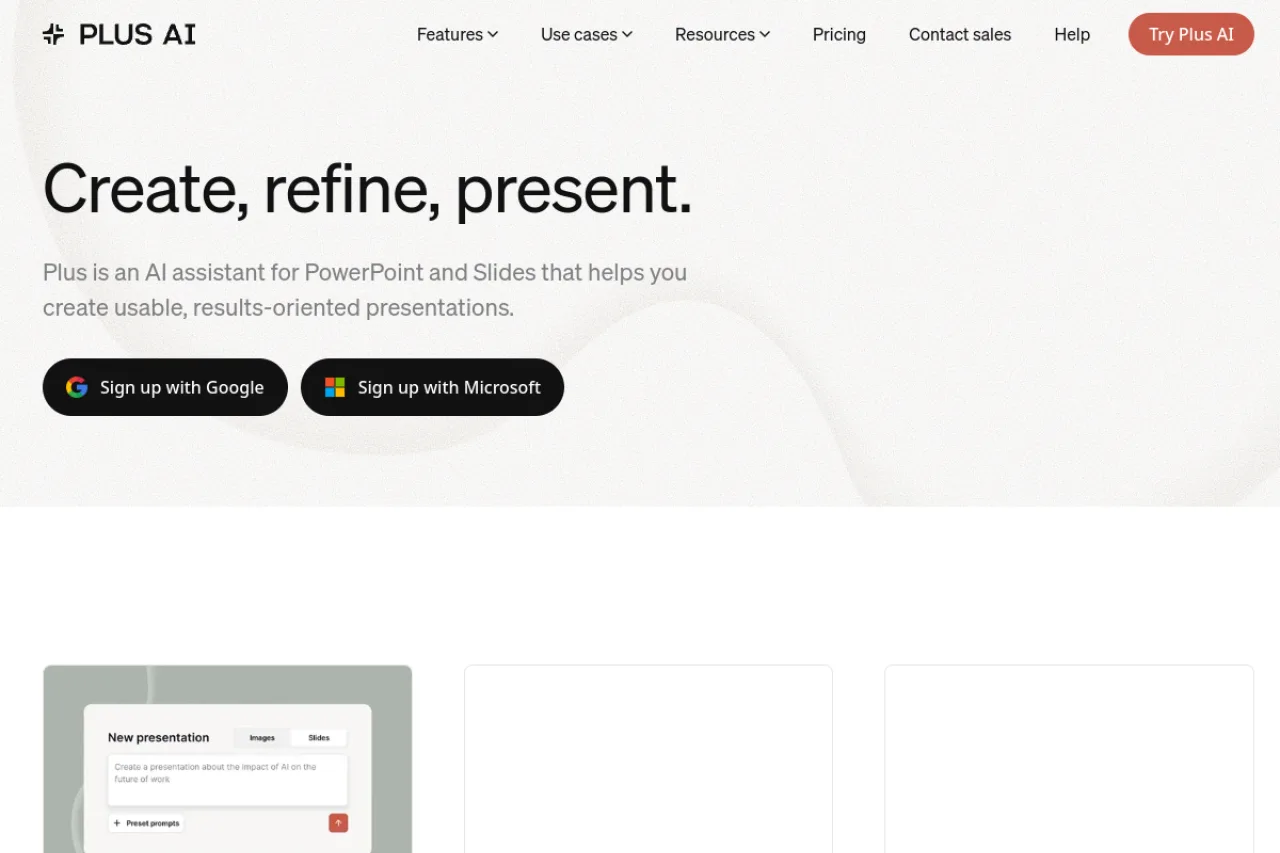
Plus AI is an AI presentation maker that installs as an add-on for Google Slides and PowerPoint, generating decks from prompts or documents, editing and reformatting slides with AI, and supporting custom branding, image generation, and multi-language output. It suits consultants, sales and marketing teams, startups, and educators who want AI help without leaving their existing slide editors. Paid plans start around $10 per user per month after a 7-day trial, with usage governed by a monthly AI credit allowance.
Plus AI is an AI presentation assistant that works directly inside Google Slides and PowerPoint rather than forcing you into a separate web app. Once installed as an add-on, it can generate full decks from a short prompt or an uploaded document, insert or rewrite individual slides, and reformat existing content into cleaner layouts. Because it operates within the native editors, the output stays in familiar file formats that are easy to share, present, and hand off to colleagues. The tool's standout idea is meeting people where they already build slides. Instead of exporting from a proprietary editor, you keep working in Slides or PowerPoint and call on the AI when you need to draft, restructure, or polish. Features like Remix let you transform a wall of text into multi-column layouts or restyle a slide, while the document-to-presentation flow turns reports, notes, and outlines into a first-draft deck you can refine. Plus AI also handles the surrounding details that make a deck usable: custom branding with your own templates and themes, an AI image generator for visuals, and multi-language content generation for international audiences. A single subscription covers both Google Slides and PowerPoint, so teams that live in mixed environments don't need to juggle separate tools. The product is aimed at people who create presentations often but don't want to abandon their existing workflow — consultants, sales and marketing teams, startups, educators, and course creators. For developers, Plus also exposes a Presentation Agent API for programmatically generating decks. Pricing is freemium-adjacent: every plan begins with a 7-day free trial, after which paid plans start around $10 per user per month billed annually. Because the AI runs on a monthly credit allowance, buyers should verify current credit limits and pricing on the official site before committing.
Plus AI is an AI presentation assistant that installs as an add-on for Google Slides and PowerPoint, generating decks from prompts or documents, editing and reformatting slides, and supporting custom branding, image generation, and multiple languages. A single subscription covers both platforms, with paid plans starting around $10 per user per month after a 7-day trial. It targets consultants, sales and marketing teams, startups, and educators who want AI help without leaving their existing editors.
Plus AI is a product from Plus (plusai.com), an AI assistant for building presentations inside Google Slides and PowerPoint from prompts or documents. It was co-founded in 2021 by Daniel Li (CEO) and Chloe Qi (head of product).
Plus AI's core capability is generating full presentations from a short prompt or an uploaded document directly within Google Slides or PowerPoint. Beyond generation, it can insert single slides in a specific format, rewrite content, and reformat slides with its Remix feature — for example, transforming a paragraph into a three-column layout or restyling a slide. It includes an AI image generator for visuals and supports content creation in multiple languages.
For branding, Plus AI lets users apply custom themes and uploaded templates so decks match a company's visual identity. A single subscription includes both Google Slides and PowerPoint. For technical teams, Plus offers a Presentation Agent API for programmatic deck generation. Usage is governed by a monthly AI credit allowance, with tasks typically consuming a range of credits depending on complexity.
Plus AI serves professionals who create presentations frequently but want to stay inside their existing slide editors. Its published use cases target consultants, sales teams, marketing teams, startups, course creators, educators, and developers. The dual Google Slides and PowerPoint support makes it particularly relevant to organizations operating across both Microsoft and Google ecosystems.
Consultants, sales and marketing professionals, founders, and educators who build decks regularly and want AI to draft, edit, and reformat slides inside Google Slides or PowerPoint.
Team leads, marketing and sales managers, and operations owners who purchase per-seat subscriptions to speed up deck creation across their teams.
Design and brand managers who care about on-brand templates, and IT or security reviewers who evaluate add-on permissions and data handling.
A small-to-midsize team or agency that produces frequent client-facing or internal presentations, works across both Google Slides and PowerPoint, and wants AI assistance without switching to a standalone design tool.
Plus is venture-backed, not bootstrapped: it raised roughly $8 million from Madrona, Positive Sum, and angel CEOs from Auth0, Evernote, Plaid, Smartsheet, and Zapier. Third-party ARR/valuation figures in aggregators are unverified and should be treated as approximate.
Every plan starts with a 7-day free trial that includes AI credits and access to both Google Slides and PowerPoint. Paid plans begin at $10 per user per month on the Basic tier (billed annually, or $15 monthly), with a Pro tier around $20 per user per month for advanced features like custom themes. Usage is metered in monthly AI credits, so verify current credit limits and pricing on the official site.
You install Plus AI as an add-on within Google Slides or PowerPoint and invoke it from inside the editor. You can generate a full presentation from a short prompt or an uploaded document, insert or rewrite individual slides, and use the Remix feature to reformat existing content into new layouts. Everything stays in your native slide file, so there's no separate export step.
No. A single Plus AI subscription includes both Google Slides and PowerPoint. This is useful for individuals and teams who switch between the two platforms or collaborate across mixed environments.
Plus AI provides a Presentation Agent API that lets developers generate presentations programmatically. Its core integrations are with Google Slides and PowerPoint themselves, where it runs as an add-on. Check the official documentation for current API capabilities and supported models.
As an add-on, Plus AI requests permissions to read and edit your Google Slides or PowerPoint documents so it can generate and modify content. Buyers with strict data-handling requirements should review Plus AI's current privacy policy, data retention practices, and any enterprise or compliance options directly with the vendor before rollout.
Yes, Plus AI supports multi-language content generation, so you can create and translate slide content for international audiences. This makes it a fit for global sales, marketing, and training teams. Availability and quality can vary by language, so test with your specific use case.
Plus AI does not offer a free plan. All plans start with a 7-day free trial that includes 1,000 AI credits, after which paid plans begin at $10/month according to pricing research.
Plus AI integrates directly with Google Slides and PowerPoint as an add-on. It works within these existing presentation tools rather than as a standalone platform.
Plus AI is strongest for users who want AI functionality inside Google Slides or PowerPoint rather than a separate platform. Alternatives like Google Workspace, Canva, and Microsoft 365 are frequently mentioned as competitors. Plus AI differentiates itself through document-to-presentation conversion and custom branding features, though some users report better results with general GenAI tools for content generation.
Side-by-side pages for pricing, features, and best-fit use cases.
Gamma excels at AI-generated presentations, but these six alternatives offer better integration, audience engagement, or design control for different workflows.
Compare 8 AI presentation makers that generate slides from text, prompts, or documents. Find the right tool for your workflow and budget.
n8n is an open-source workflow automation platform that lets users build complex automations through a visual, node-based interface

Claude is an AI chatbot developed by Anthropic, offering conversational AI capabilities with multiple model tiers (Opus, Sonnet, Haiku) and specialized products including Claude Code for software deve

Gemini is Google's multimodal AI chatbot that handles text, images, audio, and video understanding with real-time Google Search integration and deep Google Workspace compatibility

MeetGeek is an AI meeting assistant that automatically records, transcribes, and summarizes video meetings across platforms like Zoom and Microsoft Teams