Lifestack
Productivity
Energy-based AI daily planner that schedules tasks around your body's rhythms
daily plannertime blockingwearables
View →

Motion is an AI-powered productivity platform that automatically schedules tasks and meetings into your calendar base...
Best for people who want an AI to auto-schedule tasks and meetings into their calendar and reshuffle when things slip. It is pricey for what it does, the automation can feel rigid, and it works better for solo planners than complex team workflows.
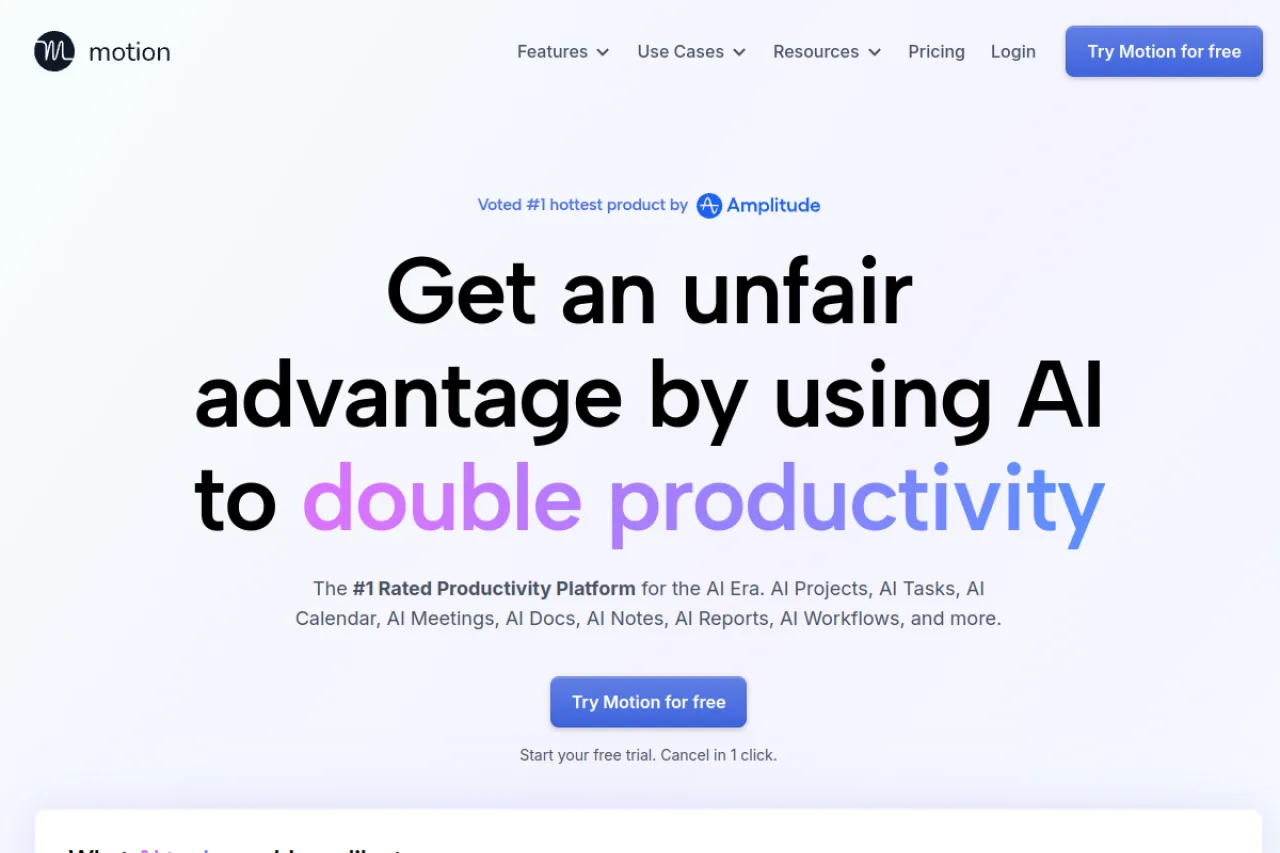
Motion is an AI productivity platform that automatically schedules your tasks and meetings into your calendar based on priorities and deadlines, then continuously reshuffles them as your day changes. It bundles task management, an AI calendar, project management with Gantt charts, workflow automation, meeting scheduling, and an AI notetaker into one workspace, positioning itself as a consolidated alternative to running separate task, calendar, and project tools.
Motion is an AI-powered productivity platform that combines task management, calendar scheduling, project management, and meeting coordination into a single workspace. Its core promise is automated planning: rather than manually dragging tasks around your calendar, Motion's AI reads your priorities, deadlines, and existing commitments, then builds and continuously adjusts your daily schedule for you. When plans change or a meeting runs long, the system reshuffles the remaining work so your most important tasks stay protected. Beyond individual planning, Motion has expanded into a broader work suite. It offers AI project management with auto-scheduled Gantt charts, workflow automation for repeatable processes and SOPs, an AI meeting assistant with booking links, an AI notetaker that captures and summarizes meetings, AI chat, dashboards, and a docs assistant. The idea is to consolidate what would otherwise be several separate subscriptions—calendar apps, task managers, project tools, and schedulers—into one connected system. The platform is aimed at professionals and teams who juggle many competing commitments and want the software to handle prioritization decisions. Motion integrates with existing calendars and task sources so it can sit on top of your current setup rather than forcing a clean-slate migration, and its recent product direction leans heavily into 'agentic' automation for businesses. Motion is best understood as an opinionated productivity system. It works well for people willing to trust an algorithm with their schedule and adopt its structured way of defining tasks, deadlines, and durations. Those who prefer manual control over every calendar block, or who want a lightweight free tool, may find it more prescriptive and more expensive than simpler alternatives. As always, verify current pricing and plan details on the official site before committing.
Motion is an AI-powered productivity platform that automatically schedules tasks and meetings into your calendar based on priority and deadline, then reshuffles them dynamically as your day changes. It has expanded from an AI calendar into a broader work suite spanning task management, project management, workflows, meetings, and notes. Motion raised $60M at a $550M valuation in 2025 and reports serving over 10,000 SMB customers.
Motion is a productivity software company building an AI-driven platform that combines scheduling, task management, project management, and meeting tools. The company's founders include Harry Qi, Ethan Yu, Chander Ramesh, and Omid Rooholfada, and it is a Y Combinator company. Its mission has evolved toward building an 'agentic work suite' for businesses, using AI to automate planning and repeatable work.
The company has scaled from roughly 31 employees in 2023 to around 67 as of 2026, reflecting rapid growth. Motion positions its product as a consolidated alternative to running separate calendar, task, and project tools, targeting both individual professionals and business teams.
Motion's core capability is AI auto-scheduling: it reads a user's tasks, priorities, deadlines, and existing calendar commitments, then automatically builds and continuously adjusts a realistic daily plan. This extends into project management with AI-generated, auto-scheduled Gantt charts and task dependencies, along with AI workflows for automating repeatable processes and SOPs.
The broader suite includes an AI task manager, AI calendar, an AI meeting assistant with booking links, an AI meeting notetaker for capturing and summarizing meetings, AI chat, AI dashboards for tracking project progress, and an AI docs assistant. Motion also integrates with existing calendars and other work tools so it can layer on top of a team's current stack rather than requiring full replacement.
Motion serves individual professionals and executives who need help managing complex schedules, as well as small and medium businesses running projects and operations on a single platform. It targets service-oriented businesses such as marketing and design agencies, consulting firms, law firms, IT service providers, construction and real estate companies, plus functional teams like startups, sales teams, and executive teams.
Busy professionals, executives, and team members who use Motion daily to plan their tasks, protect focus time, attend and capture meetings, and keep projects moving without manual scheduling.
Founders, team leads, and operations managers at startups and SMBs who purchase seats to consolidate productivity tools and improve throughput across their teams.
Productivity-minded managers, project leads, and early adopters who champion AI-driven planning internally and evaluate whether Motion can replace existing task and project tools.
A growing small-to-medium service business or professional team that juggles many deadlines and meetings, is willing to adopt structured, AI-driven planning, and wants to consolidate several productivity subscriptions into one platform.
Motion raised $60M across Series B, Series C, and Series C2 rounds, bringing total funding to roughly $73–75M at a $550M valuation set in 2025. The Series C round was reported as more than 5x oversubscribed. The company reports B2B ARR growing about 3x year-over-year into eight figures, with over 10,000 SMB customers.
Motion is a paid platform with individual and business tiers, and reporting around its recent pricing points to roughly $19/month for an individual Pro plan and around $29 per user for Business, typically billed annually. There is a free trial, but Motion is not a permanently free tool. Always confirm the current tiers and pricing on the official pricing page, as plans have been changing.
You add tasks with details like priority, estimated duration, and deadline, and Motion's AI slots them into open time on your calendar around your existing meetings. As your day changes—meetings run long, new tasks appear, or you miss a block—the AI automatically reschedules the remaining work to keep deadlines on track. This means the calendar stays dynamic rather than static.
Yes. Motion is designed to sit on top of your current setup by syncing with existing calendars so it can see and plan around your meetings. It also connects with common work tools and task sources through its integrations, and provides booking links for scheduling meetings with others. Check the integrations page for the current supported list.
Motion supports both. Individuals use it for personal task management and calendar planning, while teams use its AI project management, Gantt charts, workflow automation, and shared dashboards. Its recent product direction has focused heavily on serving businesses running projects and operations on the platform.
Motion offers mobile apps so you can manage tasks and view your schedule on the go, alongside its desktop and web experience. It also includes an AI meeting notetaker that automatically captures and summarizes meetings, plus an AI meeting assistant for scheduling and booking links.
Motion raised $60M at a $550M valuation in 2025 and has repositioned itself from an AI calendar tool into a broader 'agentic work suite' for businesses. That shift has brought expanded AI features—workflows, dashboards, docs, and chat—and evolving plan structures, so current buyers should verify exactly what each tier includes.
No, Motion does not offer a free plan or free trial according to the research. Individual pricing starts at $29 per month, with annual plans offering approximately 33% savings compared to monthly billing.
Motion integrates with existing calendars (including Google Calendar) and various task management sources including Asana, ClickUp, Jira, Todoist, Linear, and Google Tasks. It can layer onto your existing calendar rather than replacing it entirely.
Motion is positioned as an all-in-one productivity suite that started with auto-scheduling and expanded to include project management features. Alternatives like ClickUp took the opposite approach, starting as project management tools and adding scheduling. Motion's main advantage is its automatic time-blocking and task prioritization, though some users find alternatives offer more intuitive interfaces or better value for specific use cases.
Side-by-side pages for pricing, features, and best-fit use cases.
Akiflow excels at time-blocking, but lacks meeting intelligence and team collaboration. These six alternatives fill those gaps.
Todoist AI excels at personal task management, but these alternatives offer time-blocking, meeting automation, and team workflows it doesn't.
Reclaim AI automates calendar scheduling, but lacks project management depth. These alternatives offer stronger task automation, team workflows, or specialized use cases.
Energy-based AI daily planner that schedules tasks around your body's rhythms
AI writing and knowledge assistant that works across your Mac, iPhone, and iPad

Lindy is a no-code AI agent platform that automates email management, meeting scheduling, call notes, and workflow tasks across sales, marketing, support, and recruiting

MeetGeek is an AI meeting assistant that automatically records, transcribes, and summarizes video meetings across platforms like Zoom and Microsoft Teams