
Wordly
Translation
Wordly is an AI-powered real-time translation and captioning platform designed for meetings, conferences, and events
translate-languagestranscribe-meetings
View →

Microsoft Translator is a neural machine translation service that supports text, speech, and image translation across...
Best for fast, free multilingual translation across many languages with tight Office, Teams, and Edge integration plus live conversation mode. The caveat is that raw machine output still trails human or specialized translation on nuance, tone, and domain-heavy text.
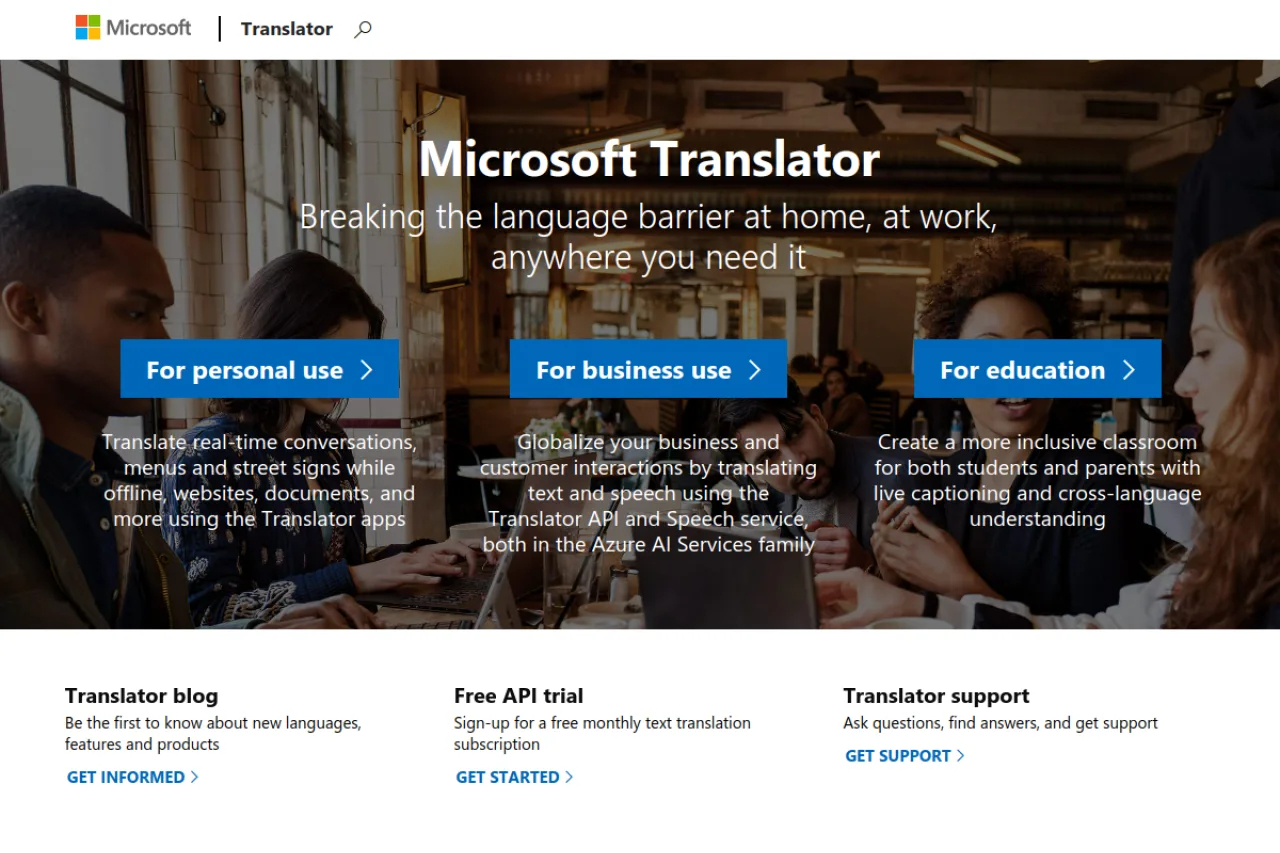
Microsoft Translator is Microsoft's neural machine translation service for text, speech, image, and document translation across more than 100 languages. Available as a free consumer app and as Azure AI Translator for developers and enterprises, it powers translation across Microsoft products like Office, Teams, and Edge and supports custom, domain-tuned models.
Microsoft Translator is a neural machine translation service that handles text, speech, and image translation across a wide range of languages. It exists both as a set of consumer-facing applications and as a developer-grade translation engine that powers translation across Microsoft's own products. For everyday users, the free tier is genuinely capable, covering conversation, document, and on-the-fly text translation without a paid commitment. The service ships dedicated apps for Android, iOS, and Windows, along with an Outlook add-in that translates email inline within Microsoft's email client. Its multi-device conversation feature lets several people join a shared session and see translations in their own language in real time, which makes it well suited to meetings, classrooms, and travel scenarios where participants speak different languages. Underneath the apps sits Microsoft's Translator API, delivered through Azure. This is where the service becomes a building block rather than an end product: developers can call it to add translation to their own applications, localize content at scale, and, on paid tiers, train custom translation models tuned to industry- or company-specific terminology. Because it is woven into the broader Microsoft ecosystem, Translator shows up across Bing, Microsoft Office, Teams, and Azure services. For organizations already standardized on Microsoft, that integration depth is a meaningful advantage, since translation becomes a natural extension of tools people already use rather than a separate product to procure and manage. Pricing follows a freemium model on the consumer side and usage-based billing through Azure for the API, where standard and custom translation are charged per million characters and image translation is billed per thousand images. Buyers should confirm current tiers and rates on the official Azure pricing page, since usage-based costs can vary with volume.
Microsoft Translator is Microsoft's neural machine translation service covering text, document, speech, and image translation in 100+ languages. It ships as a free consumer app and as browser, Office, and Teams integrations, and as Azure AI Translator — a pay-as-you-go API with Custom Translator for domain-specific models — for developers and enterprises.
Microsoft Translator is a product of Microsoft, delivered as part of the Azure AI services family (Azure AI Translator). It is not an independent company but a long-running Microsoft service integrated across Microsoft's ecosystem — Office, Teams, Edge, Bing, and Windows — and offered to developers and enterprises through Azure. Microsoft has invested heavily in neural and large-model translation, including real-time speech translation and live captions in Teams.
Microsoft Translator supports text, document, speech, and image translation across 100+ languages. It provides real-time speech translation and live captioning (including multi-person conversations and Teams meeting translation), a consumer mobile app with offline language packs, and browser and Office integrations. For developers, Azure AI Translator offers a REST API, document translation that preserves formatting, and Custom Translator for building domain- or company-specific models. Enterprise features include data-handling controls and compliance suited to regulated environments.
Microsoft Translator serves three audiences: consumers using the free app and offline translation for travel and everyday needs; enterprises and knowledge workers using translation embedded in Office, Teams, and Edge; and developers integrating Azure AI Translator into their own applications. Consumer use is free, while Azure AI Translator is priced pay-as-you-go by character volume with a free monthly tier and paid tiers for scale.
Travelers, students, and multilingual workers who use the free app or in-product translation in Office, Teams, and Edge for everyday text, speech, and document translation, plus developers embedding translation via the Azure API.
IT and engineering leaders who standardize on Azure AI services and evaluate Translator for cost, language coverage, data residency, and integration with existing Microsoft deployments.
Localization managers, Azure architects, and developers who benchmark translation quality and API pricing against Google, DeepL, and Amazon and shape enterprise adoption.
An organization already invested in Microsoft/Azure that needs scalable, compliant translation across products and a customizable API, or a consumer who wants free, offline-capable translation.
Microsoft Translator is a Microsoft product rather than a standalone company, so it has no independent funding or valuation. It is developed and funded within Microsoft as part of the Azure AI services portfolio.
Microsoft Translator is Microsoft's neural machine translation service for text, speech, image, and document translation across 100+ languages. It is available as a free consumer app and as Azure AI Translator, a pay-as-you-go API for developers and enterprises.
The consumer app and in-product translation (such as in Edge and Office) are free. Azure AI Translator is pay-as-you-go by character volume, with a free monthly tier and paid tiers for higher usage.
Yes. It supports real-time speech translation and live captioning, including multi-person conversations and translated captions in Microsoft Teams meetings.
Yes. Azure's Custom Translator lets you build domain- or company-specific translation models trained on your own terminology and content.
Microsoft Translator integrates with Outlook through a dedicated add-in, Bing search, and is part of the broader Microsoft product ecosystem. It also offers standalone apps for Android, iOS, and Windows platforms.
Microsoft Translator distinguishes itself through deep integration with Microsoft products like Outlook and Windows, plus multi-device conversation features. However, without detailed feature comparisons in the research, specific advantages over competitors like Google Translate or DeepL cannot be definitively stated.
Side-by-side pages for pricing, features, and best-fit use cases.
DeepL excels at neural translation quality, but alternatives offer real-time event translation, video dubbing, and enterprise localization workflows.
Google Translate handles everyday translation, but specialized tools offer better accuracy for business content, real-time event interpretation, and localization workflows.
Microsoft Translator handles everyday translation well, but specialized needs like live event captioning, video dubbing, or enterprise localization workflows often require dedicated platforms.
Wordly is an AI-powered real-time translation and captioning platform designed for meetings, conferences, and events

Google Translate is a machine translation service that supports text, image, document, and website translation across many languages
Document translation platform blending AI drafts with human review

Grok is xAI's conversational AI assistant that integrates real-time data from X (formerly Twitter) and offers advanced reasoning capabilities