
Sudowrite
Writing
Sudowrite is an AI writing assistant built specifically for fiction authors and creative writers
write-content
View →

The ubiquitous AI writing assistant — grammar, clarity, tone, and generative help everywhere you type.
Verified against each vendor's own trust page. Not legal advice — confirm current status with the vendor.
The default writing assistant for millions — it works everywhere you type, and its generative features now go well beyond grammar fixes.
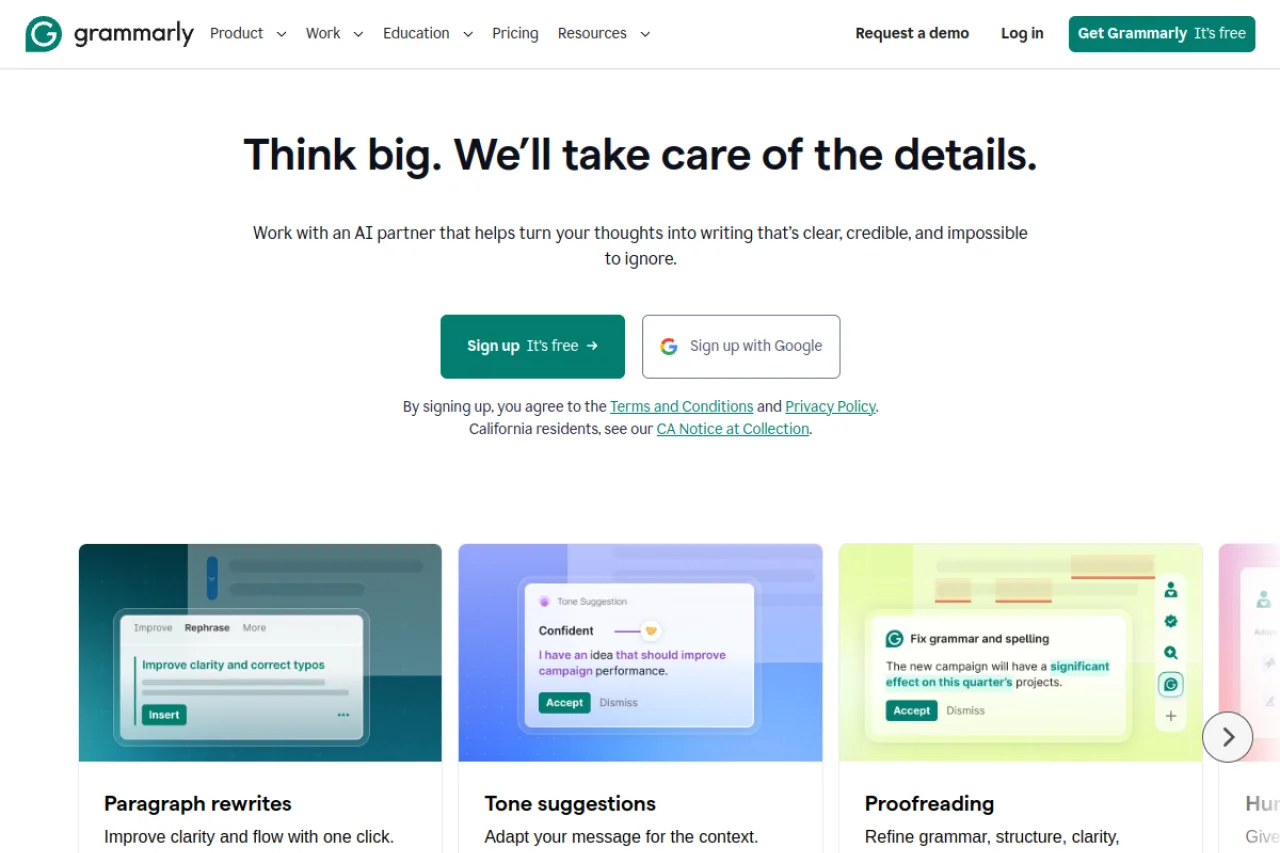
Grammarly is an AI writing assistant that checks grammar, spelling, clarity, and tone, and now generates and rewrites text — working across browsers, documents, email, and apps.
Grammarly is the most widely used AI writing assistant, embedded across browsers, Microsoft Office, Google Docs, email, and countless apps so it's there wherever you write. Beyond its long-standing grammar, spelling, and clarity checks, it now offers generative AI to draft, rewrite, shorten, and adjust tone, plus features for teams to keep brand voice consistent. There's a capable free plan and paid Premium/Business tiers that unlock the advanced suggestions and generative features. Its combination of ubiquity, ease, and a strong free tier makes it the default for students, professionals, and teams alike.
Grammarly is an AI-powered writing assistant that checks grammar, spelling, clarity, tone, and style across web browsers, desktop, and mobile. It works across many applications and websites through browser extensions and system integrations. The company has expanded from proofreading into generative AI writing assistance for individuals, teams, and enterprises. Grammarly reached roughly $700 million in annual recurring revenue in 2025.
Grammarly was founded in 2009 by Max Lytvyn, Alex Shevchenko, and Dmytro Lider, with roots in Ukraine and headquarters in San Francisco. It began as an online grammar-checking service and grew into a broad writing-assistance platform used by millions of people.
Over time Grammarly added tone detection, full-sentence rewrites, and generative AI features, and expanded into business and enterprise offerings. In 2025 the company acquired the email client Superhuman and introduced bundled productivity tiers.
Grammarly provides real-time grammar, spelling, punctuation, clarity, and tone suggestions, along with generative AI features for drafting, rewriting, and summarizing text. It integrates across web apps, documents, and email through browser extensions, desktop apps, and mobile keyboards.
Business and enterprise plans add style guides, brand tones, analytics, centralized administration, and security controls such as SSO. The platform works across hundreds of thousands of applications and websites where users write.
Grammarly serves individual writers, students, and professionals, as well as teams and large enterprises that want consistent, high-quality communication and centralized controls. It spans consumer, education, and business markets.
Students, professionals, writers, and anyone drafting written communication.
Individuals for personal plans; team leads, HR, IT, and communications leaders for business plans.
Educators, content and communications teams, and IT/security stakeholders.
Professionals and organizations that want consistent, clear, on-brand writing with AI assistance across the tools they already use.
Grammarly has raised substantial venture funding. It raised a $110 million round in 2017 led by General Catalyst and IVP, a $90 million round in 2019, and reached a $13 billion valuation in a 2021 Series C led by Baillie Gifford and BlackRock. In May 2025 it secured $1 billion in nondilutive, revenue-secured financing from General Catalyst's Customer Value Fund. Total equity and financing raised exceeds $1.5 billion.
Yes, Grammarly has a strong free plan; Premium (from about $12/month) adds advanced suggestions and generative AI.
Checks grammar, spelling, clarity, and tone, and helps draft and rewrite text across your apps.
In browsers, Microsoft Office, Google Docs, email, and most desktop and web apps.
Side-by-side pages for pricing, features, and best-fit use cases.
Sudowrite is an AI writing assistant built specifically for fiction authors and creative writers

Copy.ai is a GTM (Go-To-Market) AI platform designed for sales, marketing, and revenue teams to automate workflows including sales outreach, content creation, lead processing, and ABM campaigns.

Claude is an AI chatbot developed by Anthropic, offering conversational AI capabilities with multiple model tiers (Opus, Sonnet, Haiku) and specialized products including Claude Code for software deve

Gemini is Google's multimodal AI chatbot that handles text, images, audio, and video understanding with real-time Google Search integration and deep Google Workspace compatibility