WeShop AI
Photo Editing
AI product photography studio for e-commerce models, try-on and backgrounds
product photographyecommercevirtual try-on
Free planView →

AI photo editing for product shots — background removal, cleanup, and instant studio-quality images.
The default for quick, clean product images — background removal and AI backgrounds that make e-commerce shots look studio-made.
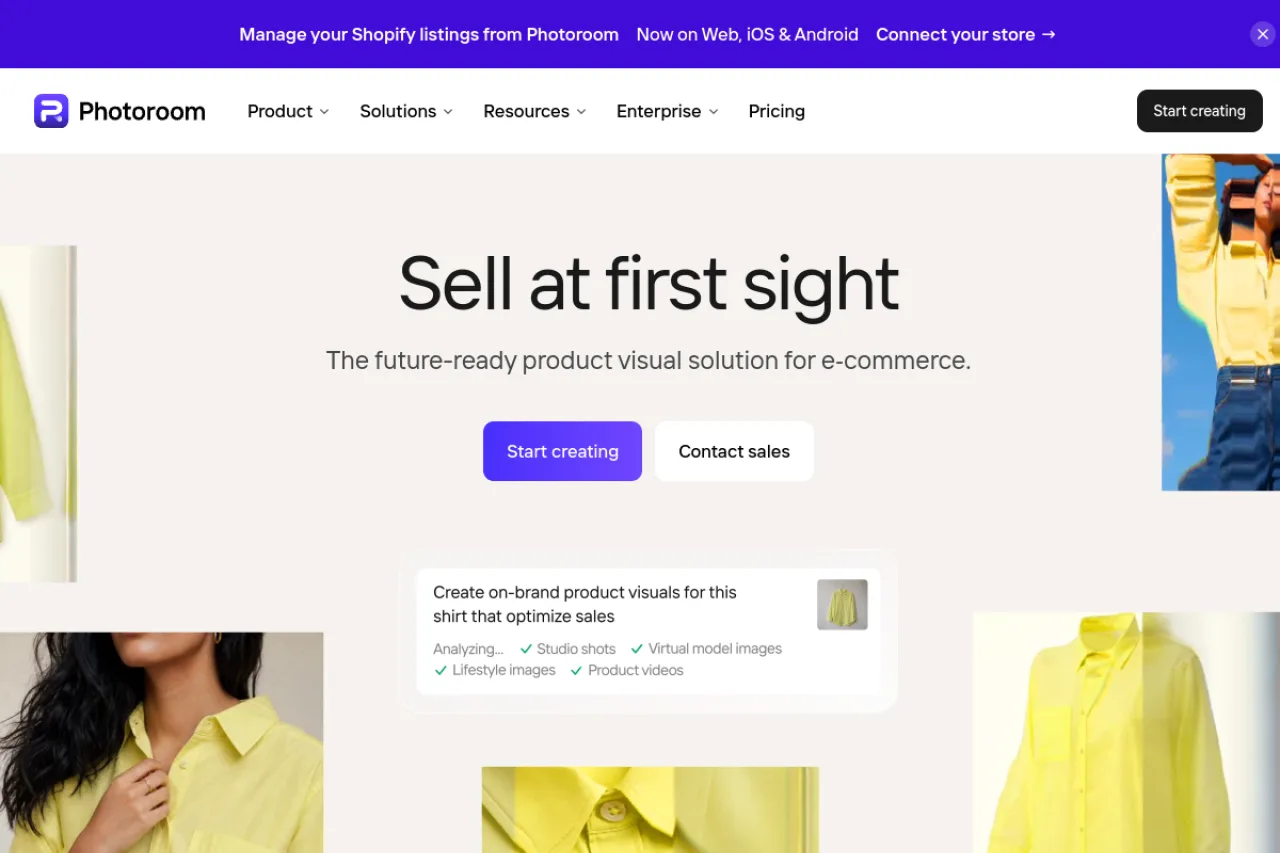
Photoroom is an AI photo editor focused on product and e-commerce imagery, with instant background removal, AI-generated backgrounds, batch editing, and cleanup tools.
Photoroom is an AI-powered photo editor aimed at sellers, marketers, and small businesses. Its core strength is turning ordinary product photos into clean, professional visuals: one-tap background removal, AI-generated backgrounds and scenes, object removal, shadows, and batch processing for whole catalogs. It's available on mobile and web with a freemium model and an API for automation. Rather than a general image generator, Photoroom is a focused, practical tool for e-commerce and product photography — and it's very good at that specific job.
Photoroom is an AI photo editing app focused on background removal, product photography, and scene generation, popular with online sellers and small businesses. It offers one-tap background removal, AI backgrounds, batch editing, and virtual apparel models, available on mobile, web, and via API. Pricing spans a free tier, consumer subscriptions (Pro and Max), enterprise plans, and usage-based API pricing. It is aimed at ecommerce sellers, marketers, and creators who need clean, professional product images fast.
Photoroom is a French startup founded in 2019 by Matthieu Rouif and Eliot Andres. The company builds AI-powered image editing tools, initially centered on instant background removal and product photo creation for online marketplaces.
Photoroom has grown into a broad AI photo studio with mobile, web, and API products, serving individual sellers through to larger businesses. It emphasizes fast, accessible editing driven by its own computer vision and generative models.
Core capabilities include one-tap background removal, AI background and scene generation, retouching, resizing and templates for marketplaces, batch/bulk exports, and virtual models for apparel. The app separates manual edits from AI features that draw on a monthly credit allowance tied to the plan.
For developers and businesses, Photoroom offers an API for background removal and image editing, priced per image, enabling integration into ecommerce catalogs and automated content pipelines.
Photoroom serves ecommerce and marketplace sellers (eBay, Poshmark, Shopify, and similar), small businesses, marketers, and social media creators who need professional product and lifestyle images without a photo studio or design expertise.
Online sellers, small business owners, marketers, and social media creators editing product and lifestyle photos.
Individual subscribers and ecommerce/marketing teams provisioning Pro, Max, or API plans.
Ecommerce operators, marketplace communities, and developers integrating image APIs.
Ecommerce sellers and small businesses that need fast, high-quality background removal and product imagery on mobile, web, or via API.
Photoroom raised a $19 million Series A led by Balderton Capital, with angels associated with Facebook, Hugging Face, and Disney+. In 2024 it raised a Series B reported around $43 million at a valuation of roughly $500 million, led by Balderton Capital and Aglae Ventures. The company is venture-backed and based in Paris.
Yes, there's a free tier; Pro (from about $9.99/month) unlocks HD exports, AI backgrounds, and batch editing.
Product and e-commerce photography — removing backgrounds and creating studio-quality images fast.
Yes — it offers an API for automating background removal and image editing at scale.
Side-by-side pages for pricing, features, and best-fit use cases.
AI product photography studio for e-commerce models, try-on and backgrounds

Online photo editor and design tool with AI features

An AI video studio for talking-head content — captions, editing, dubbing, and AI avatars.

Canva AI is a suite of AI-powered design and image creation tools integrated into Canva's design platform