Vmake AI
Video Editing
All-in-one AI video and image editor for creators and e-commerce
video editingvideo enhancerwatermark removal
Free planView →

Turns long videos into short, ready-to-post clips with captions and a virality score.
The go-to for repurposing — feed it a long video and it hands back captioned shorts. A real time-saver for creators and podcasters.
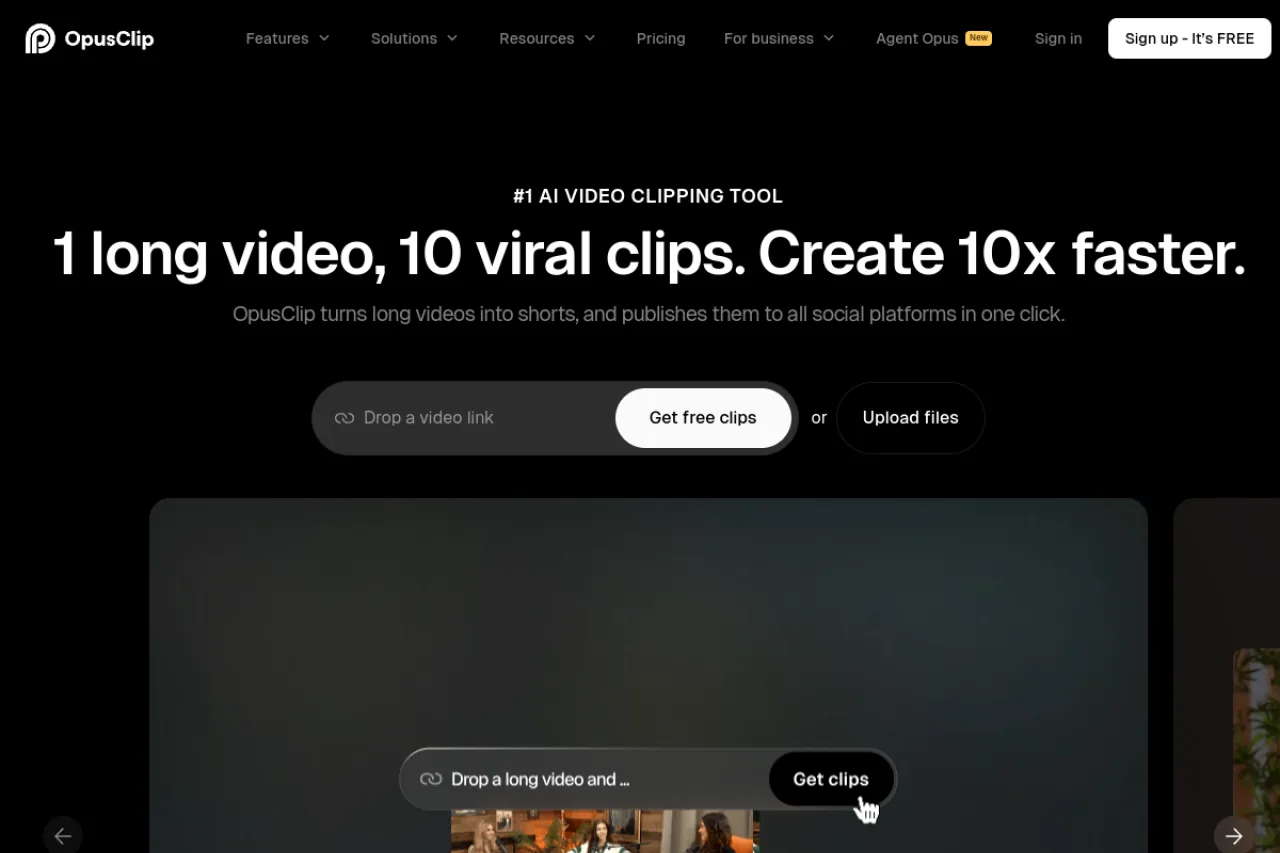
Opus Clip uses AI to turn long-form videos into short, vertical clips for TikTok, Reels, and Shorts, adding animated captions, reframing, and a predicted virality score.
Opus Clip is an AI video repurposing tool that takes a long video — a podcast, webinar, or YouTube upload — and automatically finds the best moments, cuts them into short vertical clips, adds animated captions, keeps speakers framed, and scores each clip's likely performance. It's a huge time-saver for creators and marketing teams who want a steady stream of short-form content without manual editing. A free tier lets you try it, and paid plans add more processing minutes and features. It's focused on repurposing existing footage rather than generating new video.
Opus Clip (Opus.pro) is an AI video repurposing tool that automatically turns long-form videos into short, social-ready clips for TikTok, YouTube Shorts, and Instagram Reels. It serves creators, marketers, agencies, and businesses, with a free watermarked tier, paid plans at $15/month (Starter) and $29/month (Pro), and a custom-priced Business tier. Features include AI clip selection, captions, B-roll, and scheduling.
Opus Clip is developed by Opus.pro, a company focused on AI-powered video repurposing for content creators and marketing teams. The product uses AI to identify the most engaging moments in long videos and reframe them into vertical short-form clips.
Opus.pro has grown into a market leader in AI video repurposing, adding features such as virality scoring, brand templates, AI B-roll, social scheduling, and API access.
Opus Clip analyzes long videos to automatically select high-potential moments, reframe them to vertical format, add animated captions, and apply a virality score. Higher tiers add AI B-roll, brand templates, custom fonts, multiple social account connections, scheduling, and limited API access.
The tool is built to streamline short-form content production, letting creators generate many clips from a single upload with minimal manual editing.
Opus Clip serves individual content creators, podcasters, social media marketers, agencies, and businesses that produce long-form video and want to scale short-form clip output across social platforms.
Content creators, podcasters, and social media managers producing short clips
Individual creators, marketing teams, and agencies
Social media strategists, content managers, and agency leads
Creators and marketing teams repurposing long-form video into short-form clips at scale.
Opus Clip (Opus.pro) has raised around $50 million, including a 2025 investment from SoftBank Vision Fund 2, at a reported valuation of approximately $215 million. It is described as a leader in AI video repurposing by both recognition and funding.
Yes, there's a free plan with limited minutes; paid plans (from about $9/month) add more processing and features.
It turns long videos into short, captioned vertical clips ready for TikTok, Reels, and Shorts.
Creators, podcasters, and marketing teams who want to repurpose long content into short-form clips.
Side-by-side pages for pricing, features, and best-fit use cases.
Turning podcast episodes into blog posts, clips, and show notes is a weekly grind for solo creators. Opus Clip vs Descript on features, output, and real 2026 pricing.
Hand-reviewed 2026 look at Captions (captions.ai): auto-captions, eye-contact correction, filler removal, dubbing, and Mirage AI avatars, plus pricing and rivals.
Hand-reviewed 2026 look at Opus Clip: how it turns long videos into captioned vertical shorts, plus current pricing, credit limits, and how it compares to Captions and Descript.
All-in-one AI video and image editor for creators and e-commerce

Descript is a video and podcast editing platform that uses text-based editing, allowing users to edit media by editing transcripts

AI video repurposing that turns long videos into clips

An AI video studio for talking-head content — captions, editing, dubbing, and AI avatars.