
Replit AI
Coding
Replit AI is an AI-powered coding platform that turns natural language into apps and websites, integrated into the Replit development environment
write-codebuild-apps
Free planView →

Anthropic's terminal-based coding agent that reads, writes, and refactors across your codebase.
The deepest-reasoning coding agent right now — it lives in your terminal and genuinely ships multi-step work. A favorite of serious developers.
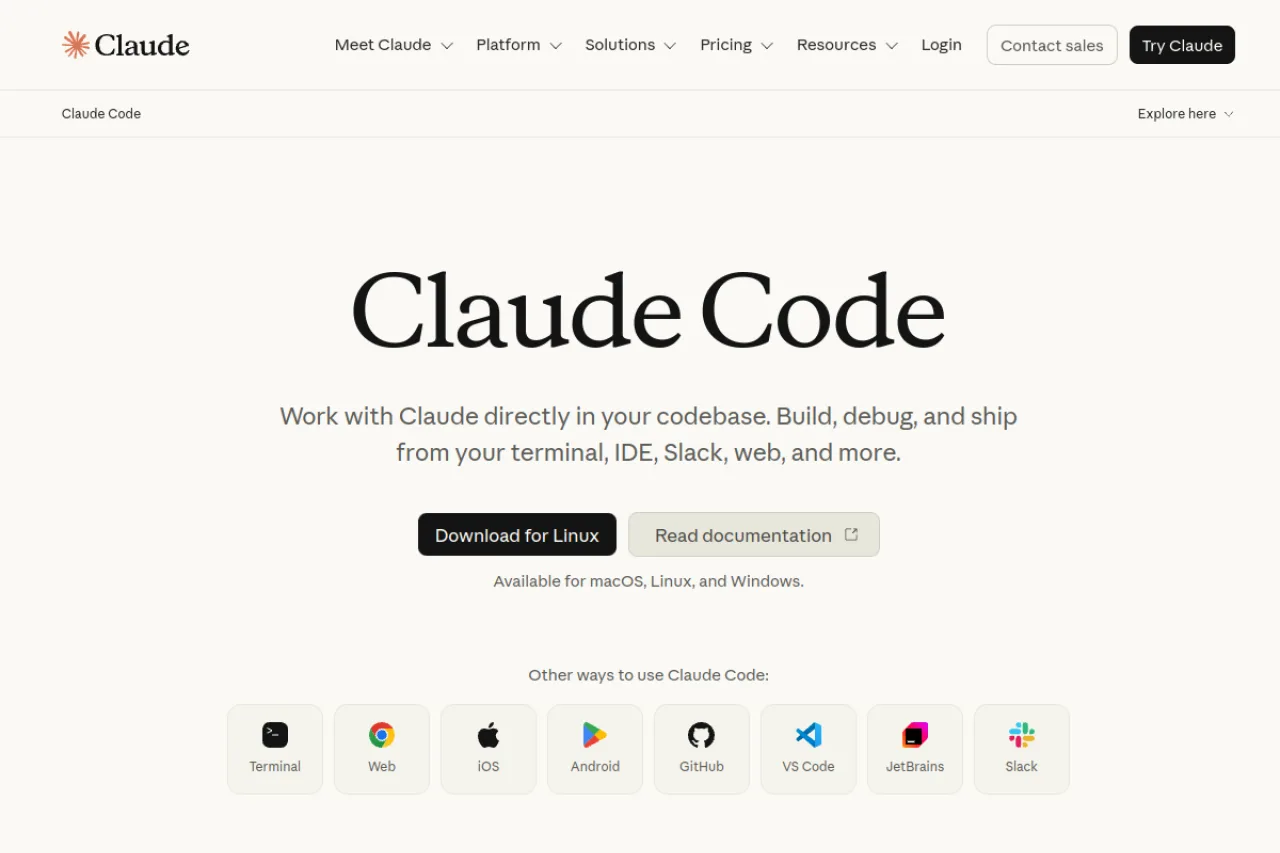
Claude Code is Anthropic's agentic coding tool that runs in your terminal, understanding your whole codebase to write, edit, run, and refactor code across files with Claude's reasoning.
Claude Code is Anthropic's command-line coding agent, powered by Claude's strong reasoning. Unlike an autocomplete assistant, it works agentically: it reads your codebase, plans, edits multiple files, runs commands and tests, and presents finished changes for review — all from the terminal (with IDE integrations too). It's become a favorite among professional developers for non-trivial, multi-step tasks. Access comes through Claude's Pro and Max subscriptions or the API (usage-based), so heavy use can add up. If you want the most capable reasoning in a coding tool and are comfortable in a terminal-first workflow, Claude Code is a standout.
Claude Code is an agentic command-line coding tool from Anthropic that works directly in the terminal. It reads and edits code across a codebase, runs shell commands, and manages git workflows such as commits and pull requests. It is powered by Anthropic's Claude models and is included with Claude Pro, Max, Team Premium, and Enterprise subscriptions, or usable via API billing. It targets developers who want an AI agent embedded in their existing development environment.
Claude Code is developed by Anthropic, an AI safety and research company founded in 2021 by former OpenAI researchers including Dario Amodei and Daniela Amodei, headquartered in San Francisco. Anthropic builds the Claude family of large language models.
Claude Code extends Anthropic's Claude models into an agentic developer tool that operates in the terminal and integrates with development workflows. It reflects Anthropic's focus on capable, controllable AI applied to software engineering.
Claude Code is a terminal-based agentic coding tool that can read an entire codebase, write and edit code across multiple files, execute shell commands, run tests, and handle git operations including commits and pull requests. It works in local machines, remote servers, CI/CD pipelines, and containerized environments.
It is powered by Anthropic's Claude models and supports integrations with editors and development tooling. It is designed to carry out multi-step engineering tasks with developer oversight rather than only offering inline autocompletion.
Claude Code targets professional software developers and engineering teams who work in the terminal and want an AI agent that operates directly on their repositories. It appeals to individuals through Pro and Max plans and to organizations through Team Premium and Enterprise plans.
Software developers and engineers working in the terminal and IDEs.
Engineering managers, platform leads, and IT decision-makers purchasing team and enterprise plans.
Senior engineers, developer advocates, and technical evaluators.
Professional developers and engineering teams wanting an agentic AI coding tool integrated into their terminal and git workflows.
Claude Code is a product of Anthropic, which has raised large amounts of venture and strategic funding. Anthropic's backers include Amazon, Google, Spark Capital, Lightspeed Venture Partners, and others, with Amazon and Google committing multibillion-dollar investments. Anthropic has been valued in the tens of billions of dollars in its funding rounds; Claude Code is funded as part of Anthropic and has no separate financing.
No — it requires a Claude Pro/Max subscription or pay-as-you-go API access.
An agentic coding tool that works in your terminal to read, write, run, and refactor code across your codebase.
Cursor is a full AI editor; Claude Code is a terminal-first agent prized for the depth of its reasoning on complex tasks.
Side-by-side pages for pricing, features, and best-fit use cases.
Cursor is the better pick if you want a polished AI-native editor where autocomplete, chat, and agents live inside a familiar VS Code-style UI. Claude Code wins if you live in the terminal, want deep agentic runs against a large codebase, or already pay for a Claude Max plan. Many developers end up running both.
Both are terminal-native coding agents, but Claude Code ships on flat subscriptions while Muse Code is a beta with usage-based tokens and a data-for-discount tier.
GitHub Copilot is the safer default if you want an AI assistant that lives inside your existing IDE and GitHub workflow, with strong autocomplete and deep repo/PR integration. Claude Code wins when you want a terminal-first agent that takes on larger multi-step tasks autonomously. If you already pay for Claude Max, Claude Code is exceptional value; if you live on GitHub, Copilot is hard to beat.
MCP is the standard that lets AI assistants plug into your tools and data the way a USB-C port lets any device connect. Here is what it is, why it took over in 2026, and why it matters even if you never write code.
You know prompt engineering. "Looping" is the next idea: instead of one prompt and one answer, the AI acts, checks the result, and tries again until the job is done. Here is what that means, with examples.
Devin, Claude Code, and Cursor represent three points on the AI coding spectrum — from fully autonomous agent to agentic IDE. Here's how to choose.
Replit AI is an AI-powered coding platform that turns natural language into apps and websites, integrated into the Replit development environment

Bolt is an AI-powered full-stack application builder that generates websites and apps through natural language chat

Meta's terminal AI coding agent that plans, writes, and validates code across large repositories using persistent background sub-agents.

A frontier agentic coding tool that autonomously plans and edits across your codebase from the terminal, editor, web, or phone.