
Canva AI
Image
Canva AI is a suite of AI-powered design and image creation tools integrated into Canva's design platform
generate-images
Free planView →

Pixlr AI is a browser-based photo editor with AI-powered tools for background removal, image generation, object remov...
A practical browser-based editor that bolts AI generation and cleanup onto familiar Photoshop-style tools, good for quick edits without installing software. Its AI features are lighter than dedicated generators, and the free tier carries ads and watermark-style limits.
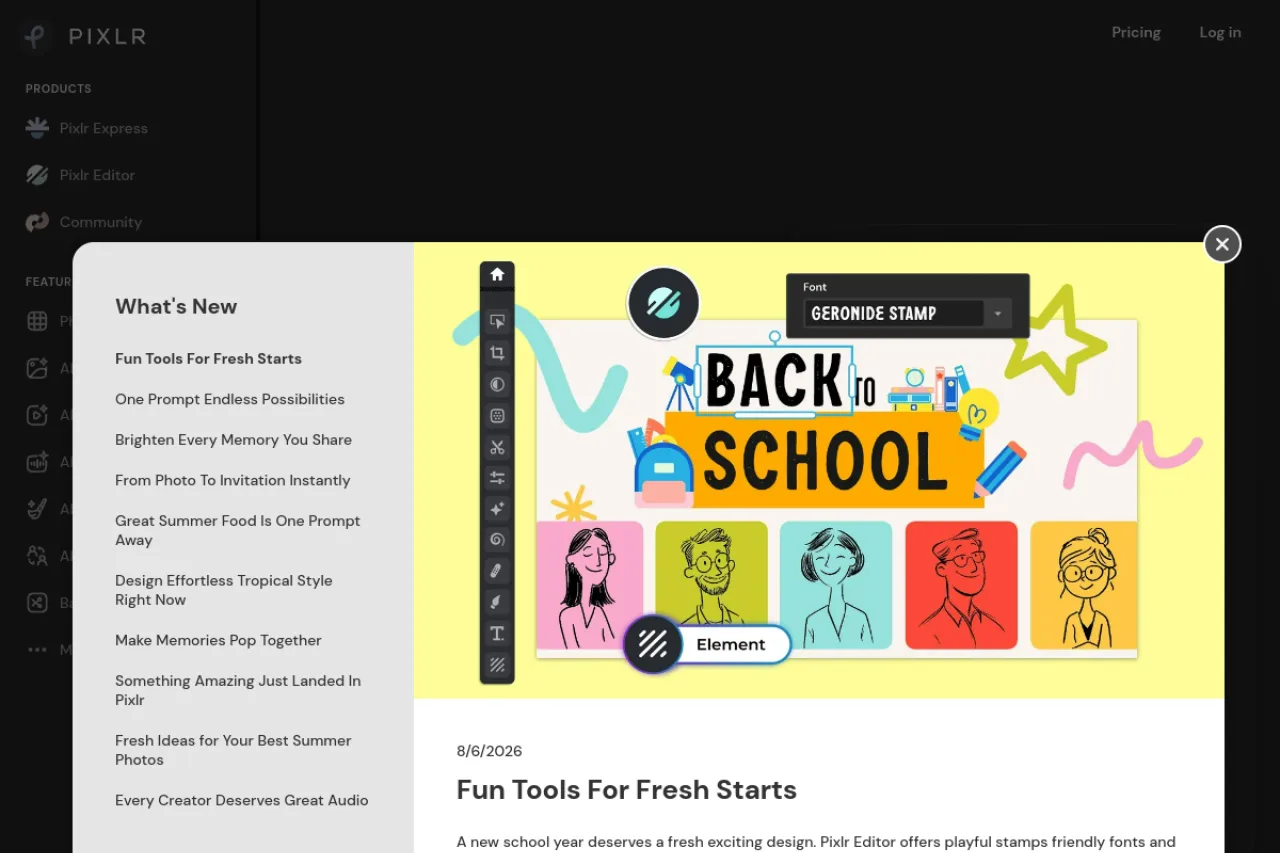
Pixlr AI is a free-to-start, browser-based photo editor and image generator that combines a layer-based editing environment with AI tools for background removal, object removal, generative fill, upscaling, face swap, and text-to-image and text-to-video generation powered by leading third-party models. It suits everyone from casual social creators to experienced editors, though most generative features run on a monthly AI credit system, so heavy users should map their expected usage to the right plan.
Pixlr AI is a browser-based photo editing and image generation platform that pairs a traditional layer-based editor with a broad set of AI tools. Everything runs directly in the browser without an install, and the platform is organized into two main environments: Pixlr Express for quick, template-driven edits, and Pixlr Editor for more advanced, layer-oriented work. Alongside these sits a growing suite of generative features spanning images, video, and audio. The AI toolkit covers the essentials most creators reach for daily: one-click background removal, object and noise removal, generative fill, generative expand, skin retouching, colorization, upscaling, sharpening, and face swap. On the generation side, Pixlr taps a rotating lineup of leading third-party models — including Flux, Kling, Recraft, Google Veo, Stable Diffusion, and others — so users can create images and short videos from text prompts or reference images. Most AI actions are metered through a monthly AI credit system rather than being unlimited, which shapes how the plans work. The free tier is genuinely usable for occasional edits, while paid plans remove ads, unlock full-resolution exports, expand credit allotments, and open access to the full model library. Pixlr is positioned to serve a wide audience, from beginners who need fast social-media graphics to more experienced editors who want layers and finer control. The tradeoff is that the platform has leaned increasingly toward generative AI and credit-based workflows, which changes the feel of the product for users who came primarily for straightforward manual editing. As with any credit-metered service, buyers should verify current pricing, credit allotments, and available AI models on the official site, since model availability and usage limits can shift over time.
Pixlr AI is a browser-based photo editor and generative platform that combines layer-based editing with AI tools for background removal, generative fill, upscaling, face swap, and text-to-image and text-to-video generation using leading third-party models. It offers a usable free tier plus low-cost paid plans, though most AI features run on a monthly credit system. It suits social creators, small businesses, and hobbyists more than professional retouchers or teams needing predictable, uncapped usage.
Pixlr is an AI-powered, cloud-based design and photo editing service accessible entirely through the browser. It was founded by Ola Sevandersson and has grown into a widely used platform, citing large-scale global adoption across many countries and billions of photos edited and AI generations produced.
The product's mission centers on making powerful photo editing and generative AI accessible for free directly in the browser, without the cost or complexity of professional desktop suites. Over time the company has leaned increasingly into generative AI, expanding beyond photo editing into AI image, video, and audio generation.
Pixlr provides two primary editing environments: Pixlr Express for fast, template-driven edits, and Pixlr Editor for advanced, layer-based work. Both run in the browser with no installation. Core AI tools include one-click background removal, object and noise removal, generative fill and generative expand, upscaling, super-sharpening, colorization, skin retouching, and face swap.
On the generative side, Pixlr aggregates a broad set of leading third-party models — such as Flux, Flux Pro, Kling AI, Recraft, Google Veo, Qwen, Stable Diffusion, SDXL, and audio models like ElevenLabs — to power text-to-image, text-to-video, and audio generation. Most AI operations are metered through a monthly AI credit system, with credit allotments, concurrent generation limits, and model access scaling up by plan tier.
Additional utilities include a photo collage maker, sticker maker, image converter, and format tools such as PDF to PNG. Higher tiers add private mode for AI generations and expanded libraries of fonts, templates, and elements.
Pixlr serves a broad consumer and prosumer market that spans casual users needing quick social-media edits, hobbyist photographers and designers, content creators, and small businesses and e-commerce sellers producing product imagery. Its browser-based, freemium model and low entry pricing make it especially appealing to budget-conscious individuals and creators experimenting with AI generation, while its layer-based editor extends usefulness to more experienced editors who don't require full professional desktop software.
Social media creators, small business owners, hobbyist photographers, and casual users who want to edit or generate images quickly in the browser without installing software or learning a complex professional suite.
Individual creators and small business owners who purchase a low-cost subscription for themselves, weighing plan tiers primarily by how many AI credits and which models they need each month.
Content marketers, design communities, and creators who recommend accessible AI editing tools, along with cost-conscious users comparing Pixlr against pricier professional alternatives.
A budget-conscious individual creator or small business that needs fast, browser-based photo editing plus generative AI for social content and product imagery, and whose monthly usage fits comfortably within a paid plan's AI credit allotment.
According to available research, Pixlr has not raised any disclosed funding rounds. Third-party sources report the company reaching roughly $9.1M in revenue with an approximately 83-person team in 2025, though these figures should be verified independently.
Pixlr is freemium, with a usable free tier and paid plans that are billed monthly or yearly. Yearly pricing lands around $1.99/month for Plus, $7.99/month for Premium, and from $19.99/month for the professional Ultra tier, with higher monthly rates if you pay month to month. Your real cost depends heavily on AI credit consumption, since each plan includes a fixed monthly credit allotment and you can buy top-ups when you run out.
Most AI actions — image and video generation, generative fill, upscaling and similar tools — draw from a monthly AI credit balance rather than being unlimited. Plans range from roughly 80 credits per month on Plus up to several thousand on Premium and Ultra, with fast generations costing fewer credits than pro-quality ones. Credits typically expire on a rolling basis, so it's worth matching your plan to your expected monthly volume.
No. Pixlr runs entirely in the browser, so you can edit and generate images without downloading software. You simply open Pixlr Express for quick edits or Pixlr Editor for layer-based work, drop in an image or start from a text prompt, and export when finished.
Pixlr pulls from a lineup of leading third-party generative models rather than a single in-house engine. These include Flux and Flux Pro, Kling AI, Recraft, Google Veo, Qwen, Stable Diffusion and SDXL, Seedance, Seedream, and audio models like ElevenLabs, among others. Access to the full model library is generally reserved for higher-tier plans, and availability can change over time.
Pixlr offers a private mode for AI generations on its Premium tier and above, which keeps generated content out of shared or public spaces. Because generation relies on external model providers, buyers with sensitive material should review Pixlr's current privacy terms and data handling policies before uploading confidential images.
Pixlr has moved noticeably toward an AI-first identity, adding image, video, and audio generation and reorganizing its tools around generative features and an AI credit system. This makes it far more capable for AI-driven creation, but users focused on traditional manual editing may find the interface and workflow more AI-centric than before.
Yes, Pixlr offers a free tier with many basic editing tools. However, the free version includes ads, has daily download limits, and slower performance. Premium AI features like advanced generative tools require upgrading to paid plans starting at $1.99/month for Plus.
Integration details were not found in our research. The platform is primarily browser-based and also offers mobile apps on Android and iOS, but specific third-party integrations are not documented in available sources.
Pixlr is positioned as a more accessible, browser-based alternative to Photoshop with AI features added. Compared to alternatives, users note it's more intuitive than GIMP but offers less manual control, more affordable than Adobe products but with fewer advanced AI enhancements than dedicated AI editors like Luminar Neo. It's best for quick edits rather than professional-grade work.
Side-by-side pages for pricing, features, and best-fit use cases.
Midjourney excels at cinematic aesthetics but requires Discord and paid access. These six alternatives offer open models, text rendering, and browser-based workflows.
Stable Diffusion excels at enterprise-scale multimodal generation, but these six alternatives offer stronger aesthetics, real-time editing, or simpler workflows.
From text-to-image generation to photo editing, we reviewed 8 AI image tools to help you find the right fit for your creative workflow and budget.
Canva AI is a suite of AI-powered design and image creation tools integrated into Canva's design platform

Stable Diffusion is an enterprise-focused AI creative platform from Stability AI that generates and edits images, video, 3D/4D content, and audio

OpenAI's image generator, built into ChatGPT for conversational image creation and edits.
Cloud AI image generator and open model-hosting community with 300k+ models