Humata logo

Humata

Humata is an AI-powered document analysis tool that lets users ask questions across multiple PDF files and receive ci...

Updated Jun 2026
research#do-research#answer-questions#analyze-data
Free plan API Teams

About Humata

Humata is an AI document analysis tool that lets users upload PDFs and other files, then ask questions in natural language to get summaries, comparisons, and answers—each with citations linking back to the source. Built as an alternative to general chatbots for document-heavy work, it serves researchers, students, and professional teams, with tiered plans that scale from a free individual option to secure, permissioned team workspaces.

Humata is an AI-powered document analysis tool built specifically for working with PDFs and other files. Instead of manually skimming long reports, technical papers, or contracts, users upload documents and ask questions in natural language to extract information, generate summaries, and compare content across files. It positions itself as "ChatGPT for your documents," grounding every answer in the material you provide rather than the open web. The defining feature is citation-backed answering. Each response links back to the relevant sections of the source files, so users can verify where an insight came from and trust the output enough to act on it. This traceability is what separates Humata from a general chatbot, and it matters most for researchers, analysts, and students who need to defend or reference their conclusions. Humata scales from individual use to team knowledge bases. Higher tiers add department- and folder-level permissions, OCR for scanned documents and images, response personalization, and enterprise controls. Files are encrypted at rest, and role-based access lets teams keep shared document libraries open to trusted members only, making it viable for organizations that need to query internal knowledge securely. Pricing is straightforward and self-serve, running from a free tier through student, expert, and team plans, with usage metered largely by pages processed and questions asked. A pay-as-you-go component applies to pages beyond each plan's monthly allowance, which keeps entry costs low but makes heavy document workloads harder to budget precisely. Humata also supports embedding its document AI into a webpage, letting businesses connect customers to answers locked inside their own documentation. Combined with API access, this opens the door to lightweight document-based support and knowledge experiences beyond the core app. Users should confirm current plan limits and pricing on the official site, as tiers and page allowances change over time.

TL;DR

Humata is an AI document analysis tool that lets users upload PDFs and other files and ask natural-language questions, returning summaries and answers with citations linked to the source. It targets researchers, students, and professional teams and is available across free, student, expert, and team plans metered largely by pages processed. Humata AI has raised $3.5M in funding led by Google's Gradient Ventures.

Company overview

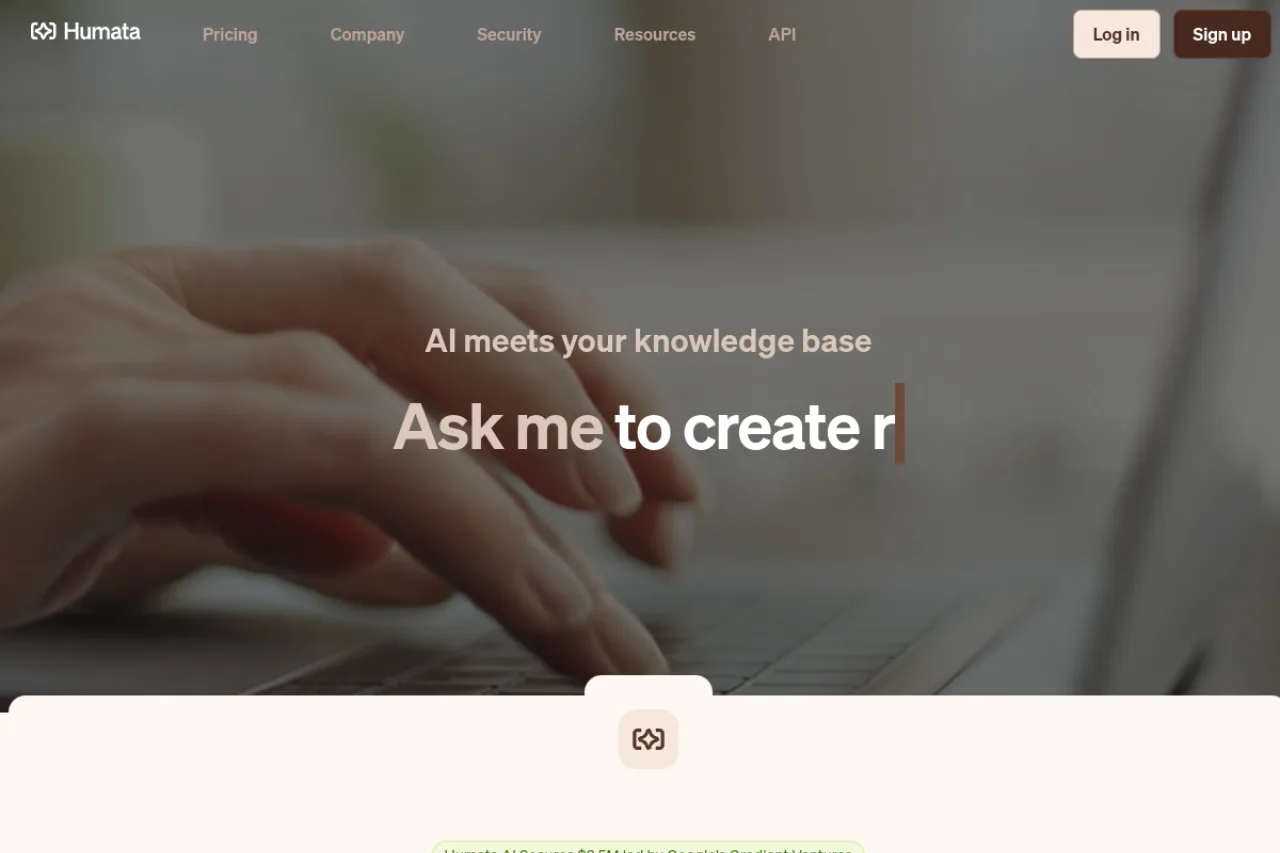
Humata develops an AI-powered document analysis platform positioned as an alternative to general chatbots for working with files, summarized by its "AI meets your knowledge base" tagline. The product lets users upload documents, ask questions, and receive citation-backed answers, with capabilities spanning individual research to secure team knowledge bases.

The company's mission centers on making the information locked inside documents fast, searchable, and trustworthy—reducing the manual burden of reading long technical papers and reports. Note that Humata (the document AI tool) should not be confused with the separately named Humata Health, a bootstrapped healthcare MLOps company; research context on ARR and valuation for Humata Health does not apply to this product.

Product features

At its core, Humata reads uploaded PDFs and files, then answers natural-language questions grounded strictly in that content. Every response includes citations that link back to the relevant source sections, enabling users to verify insights. It supports unlimited file uploads and unlimited follow-up questions, and can summarize, compare, and extract information across documents.

For teams, Humata offers secured private cloud storage, 256-bit encryption at rest, role-based access control, and department- and folder-level permissions on higher tiers. Additional capabilities include OCR for scanned documents and images, response personalization, GPT-5 support across plans, and enterprise features such as SOC-2 certification and an uptime SLA.

Beyond the core app, Humata provides a developer API and one-click webpage embedding, allowing businesses to surface document-based answers to customers and integrate document Q&A into their own products. Single sign-on with Okta, Google, and SAML has been noted as forthcoming.

Target market

Humata serves individual researchers and students who need to quickly query and summarize dense material, as well as professional and enterprise teams managing large, shared document libraries. Its tiered pricing—free, student, expert, and team—and its security and permissions features make it applicable across academia, research organizations, consulting, and knowledge-driven business functions that require verifiable, citation-backed answers.

Buyer personas

End users

Researchers, analysts, and students who upload documents and ask questions to summarize, compare, and extract information with verifiable citations.

Buyers

Team leads, department managers, and enterprise decision-makers who purchase seats and value secure, permissioned access to a shared document knowledge base.

Key influencers

Professors, research directors, and innovation or operations managers who recommend document AI tools to their teams and classrooms.

Ideal customer profile

A research-driven individual or team that regularly works across many documents, needs traceable, citation-backed answers, and values security controls and predictable self-serve pricing at smaller scale.

Funding & performance

Humata AI announced it secured $3.5M in funding led by Google's Gradient Ventures.

Pros & cons

Pros

  • Provides cited links back to source documents, allowing users to verify where answers came from
  • Handles large technical documents efficiently (users report success with 480+ page files)
  • Unlimited file uploads across all plans, including the free tier
  • Offers folder and department-level permissions for team document management

Cons

  • Page limits on free and lower-tier plans can be restrictive for heavy users (60 pages/month on free plan)
  • Additional page costs ($0.01-$0.02 per page) can add up quickly for users exceeding monthly limits
  • UI may need improvement for new users according to some reviews

Pricing plans

Free
$0 / month
  • 60 pages per month
  • 1 user
  • Basic features
  • GPT-5 support
Student
$1.99 / month
  • 200 pages per month
  • Requires @edu email
  • $0.02 per additional page
Expert
$9.99 / month
  • 500 pages per month
  • Up to 3 users
  • Chat support
  • $0.02 per additional page
Team
$49 / month
  • 5,000 pages per month
  • Up to 10 users
  • Department & folder permissions
  • OCR
  • Enterprise support
  • $0.01 per additional page

Key features

API
Team collaboration
Integrations
Stripe, Okta, Google, SAML
Input types
PDF, documents, scanned images, text
Output types
text, summaries, cited answers

Compare key features

View all alternatives →
Feature
Humata
NotebookLM
Scite
Pricing
Freemium
Freemium
Freemium
Free plan
Yes
Yes
No
Free trial
No
No
Yes
API
Yes
No
Yes
Team support
Yes
Yes
Yes

Frequently asked questions

How much does Humata cost and what will I actually pay?+

Humata uses a monthly subscription model with Free, Expert ($9.99/month for up to 3 users), and Team ($49/user/month for up to 10 users) plans, plus custom Enterprise pricing. Each plan includes a monthly page allowance—60 pages on Free, 500 on Expert, and 5,000 on Team—with additional pages billed at $0.01–$0.02 each. A discounted student plan is also available for users with .edu emails, so your real cost depends on how many pages you process each month.

How does Humata actually work?+

You upload PDFs or other documents, and Humata reads the content so you can ask questions about it in plain language. It returns summaries, comparisons, and direct answers, and every response cites the specific sections of your files it drew from. You can keep refining requests—asking for shorter summaries or re-running queries—until the output meets your needs.

What file types and content does Humata support?+

Humata is primarily designed for PDF documents and supports uploading as many files as you need. On the Team and Enterprise tiers, OCR is available to process scanned documents and images so text locked in image-based files becomes searchable and answerable. For best results, cleaner and more legible source files produce more accurate answers.

Does Humata have an API or integrations?+

Yes, Humata offers a developer API documented at docs.humata.ai for building document-based Q&A into your own applications. It also supports embedding its document AI into any webpage with a single click, which lets you connect customers to answers inside your documentation. Single sign-on with Okta, Google, and SAML has been listed as coming soon.

How secure is my data with Humata?+

Files are encrypted at rest using 256-bit encryption and stored in a secured private cloud. Team plans include role-based access control plus department- and folder-level permissions so only trusted members can query specific documents. Enterprise plans add SOC-2 certification and an uptime SLA for organizations with stricter compliance needs.

Which AI model does Humata use, and can I cancel anytime?+

Humata's plans include GPT-5 support across tiers according to its pricing page. Subscriptions are self-serve and flexible—you can upgrade or downgrade at any time and cancel without penalty. Billing is handled through Stripe, and invoices can include additional details on request.

Is Humata free?+

Yes, Humata offers a free plan that includes 60 pages per month with basic features and GPT-5 support. This allows you to test the tool with limited document analysis before upgrading to a paid plan.

What does Humata integrate with?+

Integration details were not found in our research. Humata does offer an API according to their website navigation, but specific third-party integrations were not documented in available sources.

How does Humata compare to alternatives?+

Humata is frequently compared to ChatPDF and AskYourPDF as alternatives for PDF analysis. Users highlight Humata's citation highlighting and video timestamps as superior to platforms like NotebookLM and ChatGPT. The tool's unlimited context window is noted as an advantage over ChatGPT's limitations when working with large documents.

Reviews (0)

Write a review

Pick a rating
Loading reviews…
Compare

Compare Humata with other AI tools

Side-by-side pages for pricing, features, and best-fit use cases.

All comparisons →
Suggested comparison

Humata vs NotebookLM

Generate in admin →
Suggested comparison

Humata vs Scite

Generate in admin →
Suggested comparison

Humata vs Elicit

Generate in admin →
Suggested comparison

Humata vs CoCounsel

Generate in admin →
Suggested comparison

Humata vs Lexis+ AI

Generate in admin →
Suggested comparison

Humata vs Paxton AI

Generate in admin →

From the blog

All articles →

Similar tools you may like