
Canva AI
Image
Canva AI is a suite of AI-powered design and image creation tools integrated into Canva's design platform
generate-images
Free planView →

Dreamina is an AI creative suite from CapCut that generates images and videos from text prompts, featuring multi-laye...
A capable, low-cost entry into ByteDance Seedance image and video generation with a direct pipeline into CapCut for social editing. The catch is it lives inside the CapCut and ByteDance ecosystem, so it suits TikTok-style social output more than an independent professional pipeline.
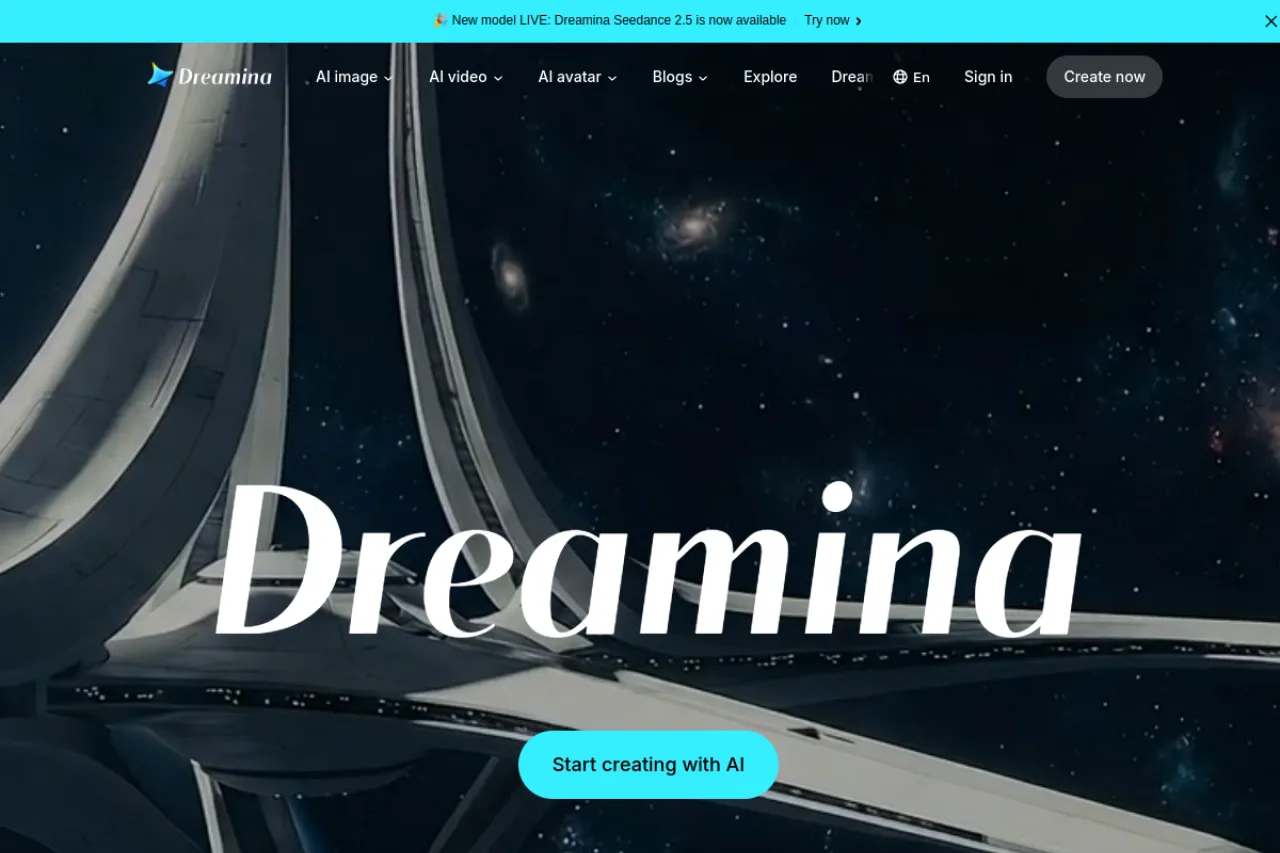
Dreamina is CapCut's freemium AI creative suite that combines text-to-image generation, AI video creation, avatars, and multi-layer editing in one browser workspace. It offers a wide range of models, including its own Seedance video engine plus Sora 2 and Veo 3.1, and runs on a credit-based pricing model with free daily credits. It's best suited to content creators, social marketers, and designers who want image and video generation under one roof rather than juggling separate tools.
Dreamina is an AI creative suite developed by CapCut that brings text-to-image generation, AI video creation, and canvas-style editing into a single browser-based workspace. Rather than forcing creators to bounce between separate tools for stills and motion, Dreamina positions itself as a unified platform where a prompt can become an image, an image can become a video, and multiple assets can be layered and refined together. The platform is model-rich by design. On the image side it exposes options like Seedream 5.0 Lite, Seedream 4.5, and Nano Banana variants, while its video side spans Dreamina's own Seedance 2.0 and 2.5 alongside third-party models such as Sora 2 and Veo 3.1. This lets creators pick the engine that best fits a given shot or style instead of being locked into one generator's aesthetic. Beyond raw generation, Dreamina layers in practical creative utilities: image restyling, image-to-image remixing, an AI blender for combining visuals, sketch-to-video, and an AI avatar toolkit that includes talking and photo-based avatars. Multi-layer editing tools give users room to iterate on outputs rather than accepting a single one-shot render. Dreamina runs on a freemium model. Free daily credits let new users test the suite, while paid usage is credit-based, so the practical cost depends more on how much you generate than on which features you unlock. A Pro tier around $20/month is commonly cited as covering image, video, editing, and commercial licensing in one subscription. Because Dreamina now lives on the CapCut domain and iterates quickly on models and pricing, creators should verify current plan details, credit costs, commercial-rights terms, and regional availability on the official site before committing to a workflow.
Dreamina is CapCut's AI creative suite combining text-to-image, AI video, avatar creation, and multi-layer editing in one browser-based workspace. It stands out for supporting many models, including its own Seedance engines plus Sora 2 and Veo 3.1, and runs on freemium, credit-based pricing with a Pro tier commonly cited around $20/month. It targets content creators, social marketers, and designers who want image and video generation unified rather than fragmented across tools.
Dreamina is developed by CapCut, the popular video editing platform. The product is now hosted on the CapCut domain (dreamina.capcut.com), positioning it as part of CapCut's broader creative ecosystem, and older dreamina.ai references should be treated as outdated.
Dreamina is developed by ByteDance — the company behind CapCut and TikTok — and is hosted on the CapCut domain (dreamina.capcut.com), positioning it as the generation layer of ByteDance's creative pipeline: Dreamina creates visual content from prompts, CapCut edits it, and TikTok distributes it. It shares ByteDance's underlying AI research and compute infrastructure. (Note: the international product, Dreamina, is separate from ByteDance's Chinese-market equivalent, Jimeng AI / 即梦, which uses different accounts and content policies.)
Dreamina brings together AI image generation, AI video generation, avatar creation, and canvas-style multi-layer editing in a single interface. On the image side it offers models such as Seedream 5.0 Lite, Seedream 4.5, Seedream 4.0, and Nano Banana variants, along with tools for restyling, image-to-image remixing, and blending multiple visuals. On the video side it provides its own Dreamina Seedance 2.5 and 2.0 models plus third-party engines including Sora 2 and Veo 3.1, and supports text-to-video, image-to-video, and sketch-to-video workflows.
Additional creative utilities include an AI avatar toolkit with talking, anime, and photo-based avatars, plus templated starting points for common formats. Multi-layer editing tools let creators iterate on generated outputs instead of accepting single renders, supporting a prompt-first but refinable creative process.
Dreamina targets content creators, social-media marketers, small businesses, and hobbyists who want fast text-to-image and AI video generation in a single browser workspace, closely tied to CapCut's editing ecosystem. It uses a freemium credit model: free daily credits for casual use, with paid subscription tiers unlocking higher resolution, more credits, faster generation, and commercial usage rights.
Social creators, marketers, and hobbyists who generate images, short AI videos, and avatars from prompts and then refine them with multi-layer editing, valuing speed, low cost, and integration with CapCut.
Individual creators and small-business owners choosing a subscription tier based on credit volume, resolution, and commercial-use rights.
Content-creator communities and CapCut/TikTok power users who surface Dreamina through tutorials and templates and shape adoption via social channels.
A creator or small brand already in the CapCut/ByteDance ecosystem that wants inexpensive, fast image and video generation without professional design tools.
Dreamina uses a freemium model with free daily credits for basic access. Paid usage is credit-based, and a Pro tier around $20/month is commonly cited as covering image generation, video creation, editing, and commercial licensing. Because costs scale with how much you generate, evaluate the plan by your expected output volume rather than by feature names, and confirm current pricing on the official site.
You start from a text prompt or an existing image, choose a model, and generate an image or video. From there you can restyle, remix, blend, or convert stills into motion, and refine results using multi-layer editing tools. Templates are also available as a starting point for common styles and formats.
Dreamina runs in the browser at dreamina.capcut.com, so no desktop install is required to generate images or videos. You sign in to create and manage projects. Note that the product now lives on the CapCut domain, so older dreamina.ai links should be treated as outdated.
For images, Dreamina offers models such as Seedream 5.0 Lite, Seedream 4.5, Seedream 4.0, and Nano Banana variants. For video, it includes its own Dreamina Seedance 2.5 and 2.0 alongside third-party models like Sora 2 and Veo 3.1. It also includes an AI avatar toolkit for talking and photo-based avatars.
Commercial licensing is described as part of the paid plan value, but commercial-rights terms are not consistently guaranteed across all regions and can change. Before using outputs in paid or client work, verify the current commercial-use and licensing terms directly on the official Dreamina site.
Dreamina has moved to the CapCut domain and heavily promotes its Seedance video models, including free video creation with Seedance 2.0 and the newer Seedance 2.5. Its model roster has also expanded to include premium third-party video engines like Sora 2 and Veo 3.1, broadening what creators can produce in one place.
Dreamina operates on a freemium model with a free plan available for evaluation and occasional use. Paid plans start around $10/month for the Standard tier, which provides watermark-free output for daily image creators. The Pro plan costs approximately $18-25/month and includes both image and video generation capabilities.
Integration details were not found in our research — check the official website. Dreamina is part of the CapCut ecosystem, but specific third-party integrations or API access were not documented in available sources.
Dreamina differentiates itself by combining image and video generation in one platform, whereas competitors typically specialize. Midjourney v7 leads in pure image quality, Runway Gen-4 is the professional video standard, and Stable Diffusion 4 offers maximum control. Dreamina's strength is consolidation: at $18-25/month for Pro, it costs less than paying separately for Midjourney ($30/mo) and Runway ($28/mo). Playground focuses on template-first creation, while Piktochart specializes in data-driven infographics.
Side-by-side pages for pricing, features, and best-fit use cases.
Midjourney excels at cinematic aesthetics but requires Discord and paid access. These six alternatives offer open models, text rendering, and browser-based workflows.
Stable Diffusion excels at enterprise-scale multimodal generation, but these six alternatives offer stronger aesthetics, real-time editing, or simpler workflows.
From text-to-image generation to photo editing, we reviewed 8 AI image tools to help you find the right fit for your creative workflow and budget.
Canva AI is a suite of AI-powered design and image creation tools integrated into Canva's design platform

Stable Diffusion is an enterprise-focused AI creative platform from Stability AI that generates and edits images, video, 3D/4D content, and audio

OpenAI's image generator, built into ChatGPT for conversational image creation and edits.
Cloud AI image generator and open model-hosting community with 300k+ models